 English
 Romana

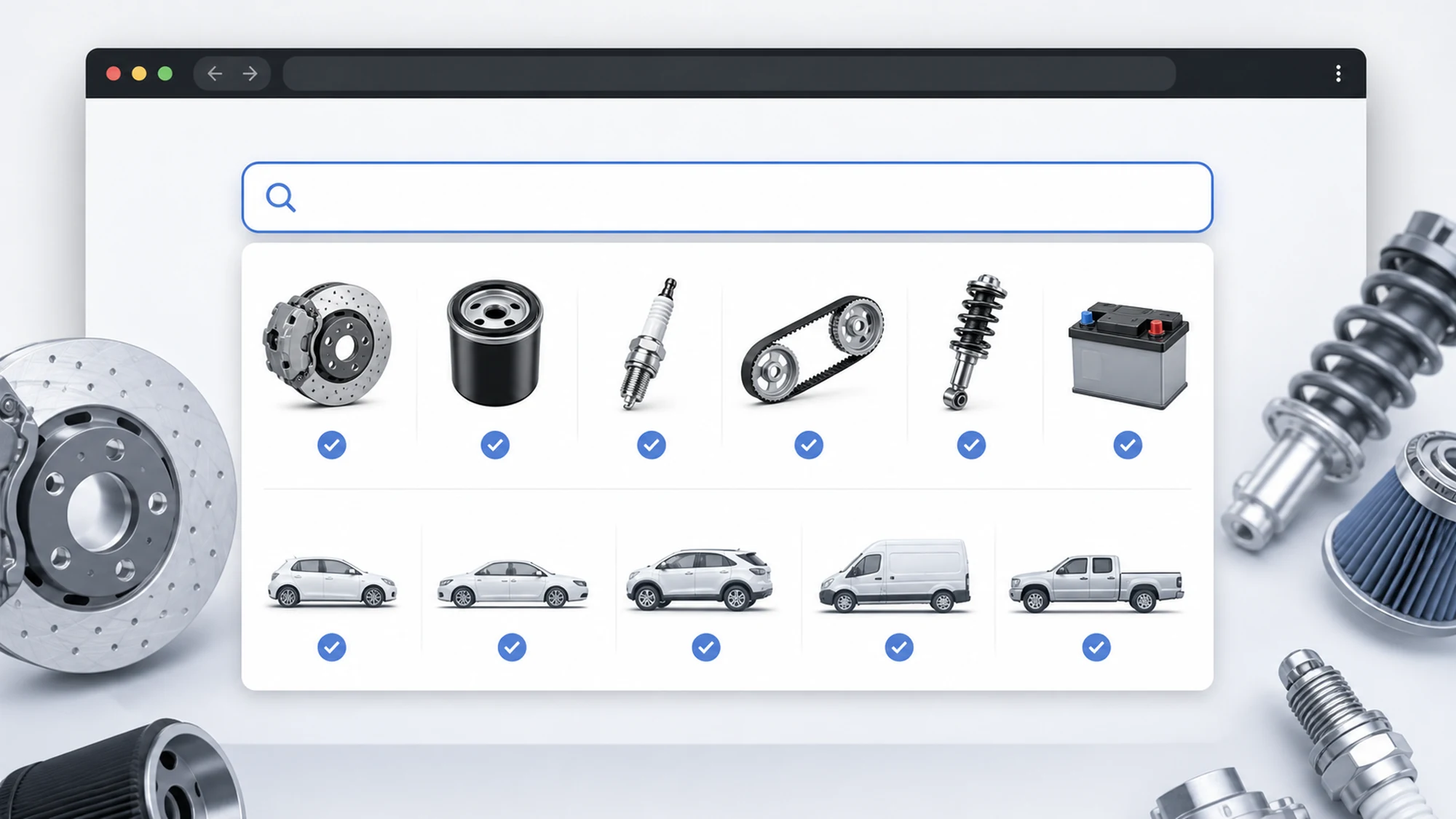
AI-powered search over the TecDoc catalog means adding a semantic layer (embeddings plus business rules) on top of the catalog's technical data, so customers can find the right part even when they type the wrong, incomplete, or colloquial term. The TecDoc catalog already provides the correct data structure (OEM names, K-Type codes, technical attributes), but classic exact-text search misses a large share of real customer queries.
A store relying only on exact text matching loses sales on every misspelled, abbreviated, or colloquially phrased query ("front brake pads golf 7" instead of the exact catalog term). This guide explains, step by step, how to build an AI search layer over a TecDoc catalog: what data gets indexed, how semantic autocomplete works, how suggestions connect to real vehicle compatibility, and what risks appear when AI suggests an incompatible part.
What "AI search" over a TecDoc catalog actually means
TecDoc remains the source of truth for data: part names, K-Type codes, technical attributes, and vehicle-to-part linkage. The AI layer doesn't replace this data — it adds an additional matching path between the text a customer types and the actual catalog records.
- Classic (lexical) search — exact word or prefix matching, typically through an engine like Elasticsearch/Meilisearch, indexed on names and codes.
- Semantic search (embeddings) — each product and each query are converted into numeric vectors; the engine returns the products whose vectors are closest to the query vector, even without an exact text match.
- Hybrid layer — combines the lexical score with the semantic score, which is what most mature auto parts stores end up using, since exact matching on OEM/K-Type codes must stay a higher priority than an "approximate" match.
The practical difference: a customer searching "cabin air filter audi a4 b8" should quickly find the right result even if they typed "pollen filter a4 b8" or "cabin filter audi a4". Simple lexical search frequently misses these variations.
What TecDoc data feeds the search engine
The search index (lexical plus semantic) is built from data already available through the existing TecDoc integration, not from new data:
- The commercial and generic part name (article linkage).
- OEM codes and associated aftermarket manufacturer codes.
- Technical attributes of the product (dimensions, mounting position, material).
- Vehicle compatibility data (K-Type, make, model, generation, engine).
- Category and subcategory from the TecDoc classification tree.
For the technical context of vehicle-to-part mapping and linkage tables, the article on fitment mapping through K-Type details exactly these data structures, which become the source for the fields indexed by the search engine.
How semantic autocomplete works, step by step
Semantic autocomplete doesn't just return products starting with the typed letter — it anticipates the customer's intent as they type:
- The customer types in the search bar; each character sequence (typically after 2-3 letters) triggers a query to the search engine.
- The query is converted into an embedding vector using the same model used to index the products.
- The search engine combines the semantic similarity score with the lexical score (prefix match on name/code) and returns the top 5-8 suggestions.
- Suggestions are grouped visually: products, categories, and — if the query contains vehicle model signals (e.g. "golf 7", "e90") — quick vehicle filters.
- The customer selects a suggestion or continues the full query; the selection is logged to improve relevance over time (feedback loop).
Response time matters just as much as relevance: autocomplete needs to respond under 150-200ms, or customers perceive the interface as slow no matter how good the suggestions are.
Fitment suggestions: how to avoid recommending the wrong part
The most sensitive point of AI search over an auto parts catalog is suggesting a part incompatible with the customer's vehicle. An embedding model optimizes for semantic text similarity, not technical fitment correctness — so AI suggestions must always be filtered through a validation layer based on TecDoc's real compatibility data, not delivered raw.
- Post-search filtering, not just ranking — after the search engine returns candidates, a hard filter on K-Type/vehicle generation is applied if the customer already has a vehicle selected in session (from browsing history or a VIN selector).
- Clear visual labeling — products confirmed compatible with the selected vehicle must be marked distinctly from products found only through semantic relevance.
- Fallback to the vehicle selector — if the query is technically ambiguous (e.g. "timing kit" with no model specified), the interface should prompt for vehicle selection before showing final results, not guess.
For automatic vehicle identification from a VIN, which reduces ambiguity at the source, see also identifying car parts by VIN using the TecDoc API.
Handling typos and colloquial language
Auto parts store customers rarely type the exact technical term. A useful AI layer for this context explicitly handles:
- Simple typos and missing accents/spelling variants.
- Colloquial abbreviations ("clutch kit" vs. the full catalog term).
- Regional synonyms (different local terms for the same protective boot or pulley).
- OEM codes entered without spaces or with formatting different from the catalog.
A domain-specific synonym dictionary built for the auto parts field (not a generic one) remains essential here — general embedding models are trained on common language and don't natively "know" that two regional terms mean the same part, unless this kind of association is explicitly introduced into the training data or rules.
Comparison: classic lexical search vs. hybrid AI search
| Criterion | Classic lexical search | Hybrid search (lexical + semantic) |
|---|---|---|
| Typo tolerance | Low, requires manual dictionary corrections | High, through semantic vector proximity |
| Precision on exact OEM/K-Type codes | Very good, direct match | Very good, if lexical score stays prioritized on codes |
| Infrastructure cost | Low (standard text index) | Medium-high (vector storage, embedding computation) |
| Initial implementation effort | Low | High (indexing pipeline, model, relevance evaluation) |
| Risk of incompatible suggestions | Low (literal results) | Exists, without a K-Type compatibility filter |
Common risks and how to mitigate them
- "Plausible" but technically incompatible suggestions — mitigation: mandatory filter on real TecDoc fitment data, not just text similarity.
- High autocomplete latency on very large catalogs — mitigation: a dedicated vector index (e.g. a search engine with native vector support) and limiting semantic search to queries above a minimum character threshold.
- Embedding recomputation cost on every catalog update — mitigation: incremental recomputation only for changed products, synchronized with the existing ERP flow described in zero-downtime TecDoc catalog synchronization.
- Inconsistent results across languages vs. technical terms — mitigation: a multilingual index or terminology normalization before indexing.
Practical implementation plan
- Stage 1 — data audit: check which fields from the existing TecDoc integration (names, codes, attributes, vehicle linkage) are already available locally and complete.
- Stage 2 — hybrid index: add vector search on top of the existing lexical index, keeping exact code matching as the ranking priority.
- Stage 3 — compatibility filter: link search results to the customer's selected vehicle (manual or via VIN), with clear compatible/incompatible labeling.
- Stage 4 — testing on real queries: run tests against a sample of the store's real search logs (including zero-result queries), not just "clean" queries.
- Stage 5 — ongoing monitoring: track conversion rate on autocomplete results versus full search, and adjust the lexical/semantic weighting based on the data.
Frequently Asked Questions
Does AI search replace TecDoc data or complement it?
It complements it. The technical compatibility and naming data still come entirely from the TecDoc catalog; the AI layer only adds an extra matching method between the customer's search text and this existing data.
Do you need to train a model from scratch for this?
Usually not. Most implementations use a general-purpose (already trained) embedding model to generate vectors, combined with business rules and an internally built, domain-specific synonym dictionary for auto parts.
How much does infrastructure cost increase with hybrid search?
It depends on catalog size and the chosen engine; as a rough estimate, it adds storage for vectors and computation at reindexing time, but generally remains a fraction of the total TecDoc integration cost. The exact cost must be confirmed based on real product volume and the chosen technical solution.
What happens if the AI engine suggests the wrong part for the customer's vehicle?
Without a compatibility filter based on real K-Type data, that risk exists. That's why post-search filtering on real fitment data, not just semantic ranking, is mandatory in a correct implementation for an auto parts store.
Can this be added incrementally on top of an existing TecDoc integration?
Yes. Semantic search is added as an additional layer on top of the existing search index, without changing the underlying TecDoc integration or catalog synchronization flow.
Conclusion
A well-built intelligent search layer over the TecDoc catalog reduces zero-result queries and shortens the path from customer intent to the right part, but its real value comes from combining semantic similarity with the catalog's strict fitment rules — not from replacing them. A store that implements "cosmetic" autocomplete only, without a fitment filter, risks recommending wrong parts faster than classic search ever did.
Want to add intelligent search to your TecDoc catalog without the risk of incompatible suggestions? Contact us for a technical consultation.



Write a comment