 English
 Romana

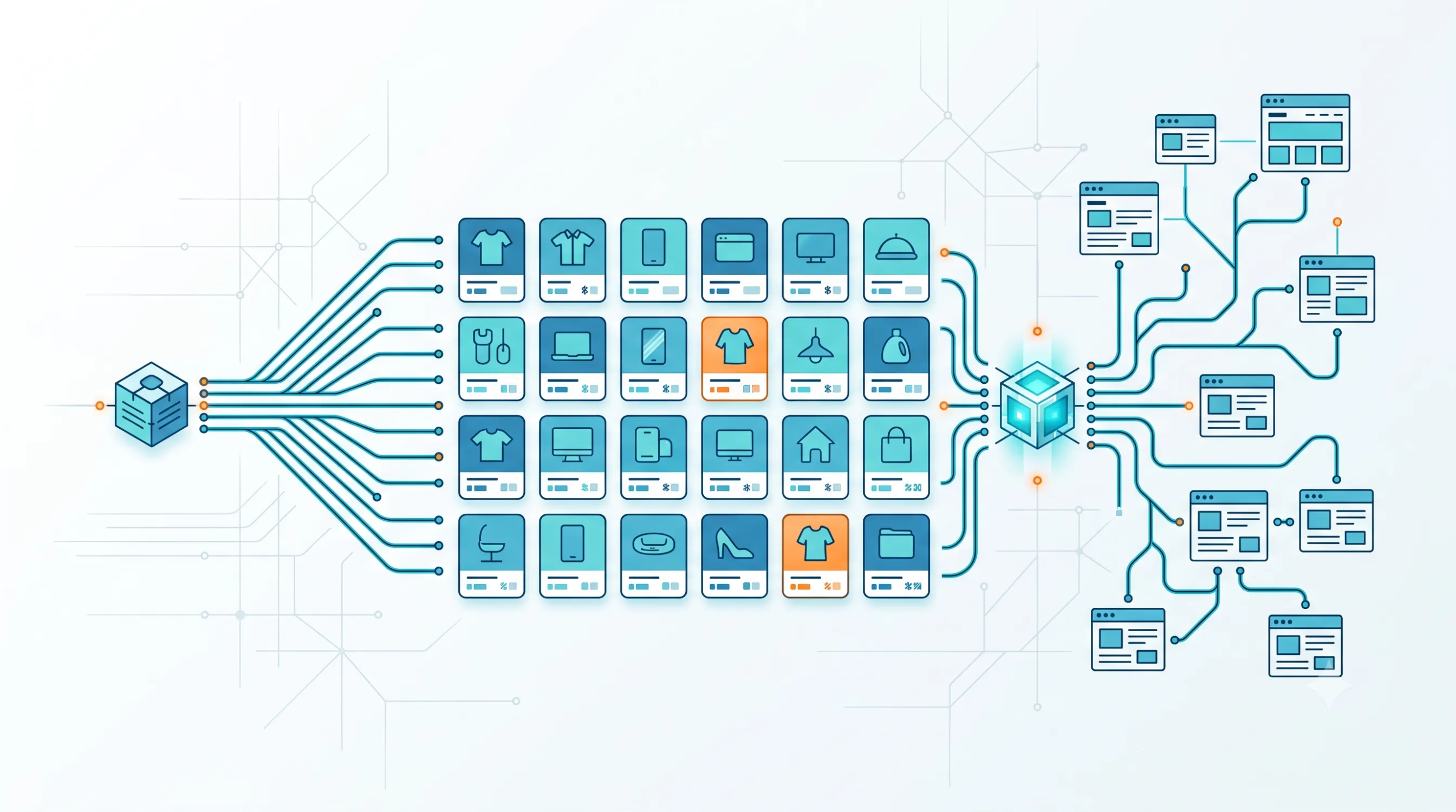
An online store with 3,000 products from 4 different suppliers usually runs into the same problem: one supplier offers an API with real-time price and stock, another only has a PDF catalog, and a third has a public website with no integration at all. To populate its own catalog on time, the team has to decide quickly, per source, whether to use an API, crawling, or a mix of both.
For product data, the right choice is made per data source, not for the whole project at once: wherever the supplier has an API covering the fields you need (price, stock, code, images), the API is the stable option; wherever no API exists, or it only covers part of the data, a crawling script fills the gap, adapted to the structure of that specific target site.
This guide shows how to practically build a product data pipeline when you have several mixed sources, which data fields matter most for an eCommerce catalog, and what steps to follow from decision to a fully populated, automatically updated catalog.
Why the crawling vs API decision is made per source, not globally
Most online stores don't rely on a single product data source, but on several: direct suppliers, distributors, manufacturer catalogs, or reference sites for technical specifications. Each source has its own level of technical maturity — some expose a documented API, others only public web pages.
Treating the decision at the whole-project level ("we'll use crawling" or "we'll use an API" for the entire catalog) usually leads either to forced API integrations where none exist, or to unnecessary crawling where a simpler API would already have covered the need. The right decision is made source by source, based on what each supplier actually offers.
Which data fields matter most for a product catalog
Before choosing a method, clarify which data is actually needed from each source. The list varies by product category, but it usually includes:
- Title, manufacturer code (SKU/EAN) and product category.
- Price and, when relevant, availability/stock.
- Description and technical specifications.
- Product images, at the resolution needed for the product page.
- Product variants (size, color, packaging) and the relationships between them.
The fields missing from an existing API — for example, images or the full description — are exactly the points where a targeted crawling script fills the gap, without needing a full crawling project for the entire catalog.
Crawling vs API for product data: specific decision criteria
Beyond general cost and legality criteria, for product data it also matters how often the information changes and how many sources need to be combined:
| Product data specific criterion | Official API | Crawling |
|---|---|---|
| Real-time price/stock | Suitable, if the API has these fields | Requires frequent runs, with delay risk |
| High-resolution product images | Depends on whether the API exposes direct image URLs | Can be extracted directly from the page, if public |
| Deduplicating products from multiple sources | Simple, if suppliers use standard codes (EAN) | Requires additional matching logic |
| Product variants (size, color) | Structured, if the API models them explicitly | Depend on how variants are displayed on the page |
| Large volume of mixed sources | Hard to unify if each supplier has a different API | A single pipeline can normalize several similar sources |
Practical 4-step plan for populating a catalog from mixed sources
- Step 1 — Inventory your sources. List each supplier, check whether it has an API, which fields it exposes, and whether the public site allows crawling (robots.txt, Terms and Conditions).
- Step 2 — Map the required fields for each source. For each supplier, note which mandatory fields are missing from the API (if any) and which ones a targeted crawling script can fill in.
- Step 3 — Build the normalization pipeline. Regardless of the source (API or crawling), data must be brought into a single format — the same field names, the same units, the same variant structure — before entering your own catalog.
- Step 4 — Set the update frequency per source. Price and stock are usually updated daily or every few hours; descriptions and images change much less often. A different frequency per field reduces the running cost.
Common risks when populating from mixed sources and how to avoid them
- Duplicate products from different sources. Mitigation: match by manufacturer code (EAN/SKU) before import, not just by name.
- Missing fields on some products, present on others. Mitigation: automatic validation at import time, with an alert for products missing a price, image or category.
- Changed HTML structure at a crawling source. Mitigation: periodic script maintenance and monitoring for unusual values (zero price, empty field).
- Crawling started without checking the target site's permissions. Mitigation: check robots.txt and the Terms and Conditions before collecting data; the information above is guidance only, not legal advice, and for sensitive projects we recommend consulting a legal specialist.
How to decide quickly, per source: 3 questions to check
For each supplier on your list, answer in order:
- Does an API exist, and does it cover all the fields you need (price, stock, images, specifications)? If yes, start with the API.
- If the API only partially covers the data, which fields are missing, and can they be filled in through a targeted crawling script on the same source?
- If no API exists at all, do the robots.txt file and the site's Terms allow automated collection of public product data?
In real catalog population projects, the three answers differ from one supplier to another within the same project — which is why the final pipeline usually combines an API for mature sources with a custom crawling service for the rest of the catalogs.
Frequently asked questions about pulling product data
Can I use both API and crawling in the same product catalog?
Yes, this is actually a common practice when suppliers have different levels of technical maturity: an API for sources that offer one, and crawling for those without an official integration or with an incomplete API.
How often should automatically collected product data be updated?
It depends on the field: price and stock are usually updated daily or every few hours, while descriptions, specifications and images change much less often and can be updated weekly or monthly.
What if two suppliers have different data for the same product?
Set a primary source (usually the supplier with more complete or more current data) for each field in case of conflict, and keep the manufacturer code (EAN/SKU) as the unique reference for deduplication.
Do I need an API for every supplier, or can everything be done through crawling?
No, it's not mandatory — if a supplier has no API, or the cost of access isn't viable at the volume you need, a dedicated crawling script can fully cover that source, provided the target site's permissions are respected.
Who maintains the crawling scripts after launch?
Typically, the crawling service provider handles monitoring and adjusting the script whenever the target source changes its page structure, as part of the maintenance agreement.
Conclusion: choose the method per source, then unify the data in one catalog
For an online store with products from multiple sources, the right question isn't "crawling or API" as a single choice, but "which method fits each supplier" — followed by a shared pipeline that normalizes all the data before it reaches the catalog. The API remains the first option wherever it covers the need; custom crawling fills in the rest.
Want to automate data collection for your store? Contact us for a personalized offer, adapted to your product data sources.
Do you have several suppliers, each with a different level of data access?
The HappyWeb team analyzes each source individually and builds the right pipeline — API where it exists, custom crawling where it doesn't — delivered in the format your catalog needs. See the full web crawling service.
Sources
Article last updated: 2026-07-13 · Recommended review: within 90-180 days, since supplier API availability can change.
- HappyWeb — Web crawling / data extraction service, definition, use cases and delivery formats: happyweb.ro/en/services/services-web-crawling.
- Google Search Central — "Introduction to robots.txt", official documentation on the role of the robots.txt file in controlling crawler access: developers.google.com/search/docs/crawling-indexing/robots/intro.
Image generated with AI, used for illustrative purposes.



Write a comment