 English
 Romana

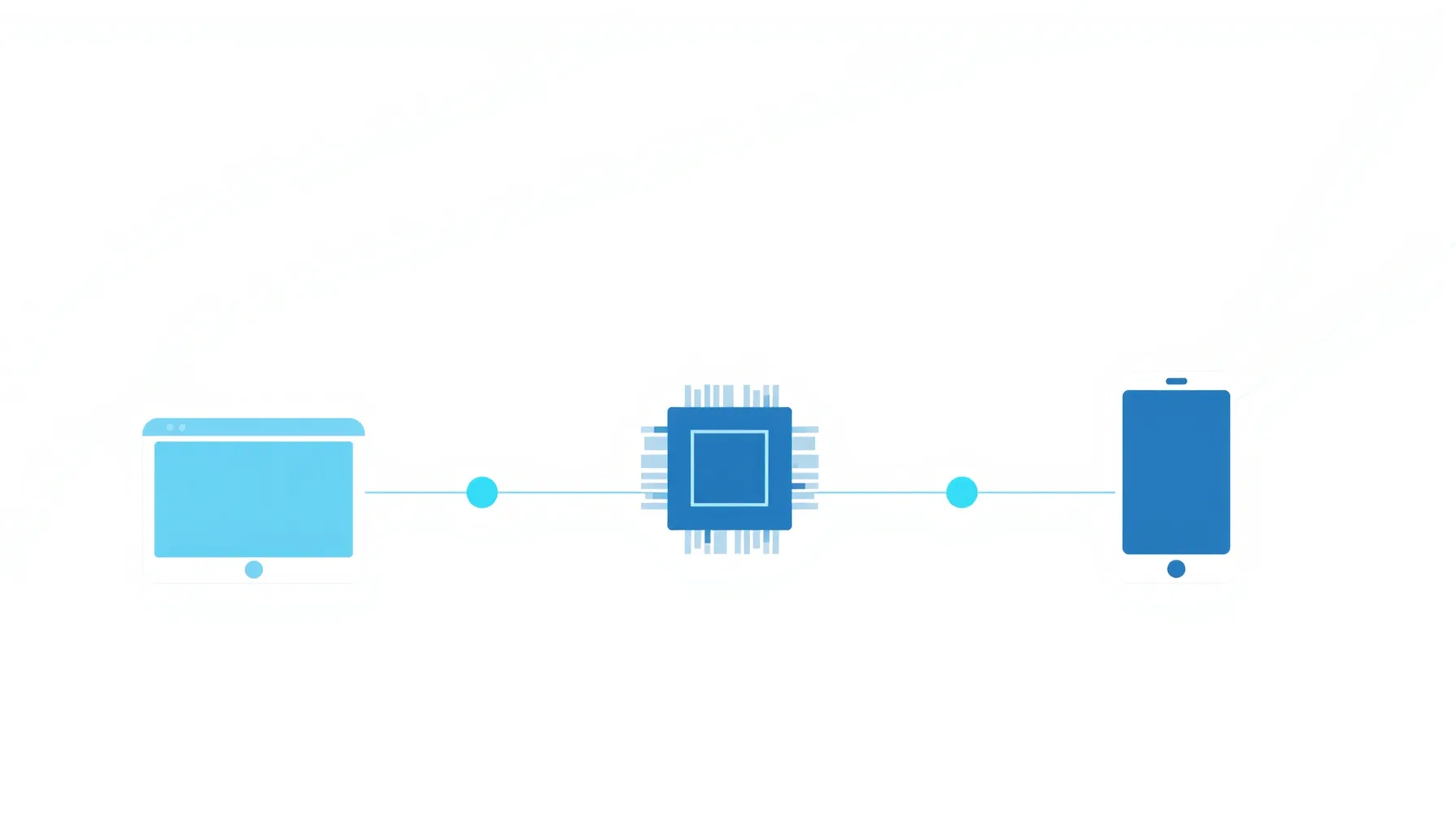
An agency runs a conversion campaign on Facebook for an online auto parts store, but Ads Manager shows only half of the confirmed orders in the e-commerce platform. The likely cause: Meta Pixel isn't sending all events, or it's sending them without enough parameters to match a real user account.
Meta Pixel is a code snippet placed on a website that sends information about visitor actions to Meta (Facebook and Instagram): page views, cart additions, completed orders. The collected data feeds the campaign optimization algorithm and allows real measurement of results, not just clicks.
Since 2021, with iOS 14.5 tracking restrictions, a Pixel installed alone, directly in the browser, loses a significant share of events. That's why Meta recommends pairing it with Conversions API, which sends the same events directly from the server, bypassing browser restrictions and ad blockers.
What Meta Pixel Is and How It Works Technically
Technically, Meta Pixel is a JavaScript code generated uniquely for each ad account. The code is installed in the <head> section of every page and runs in the visitor's browser. For every tracked action, the pixel sends a request to Meta's servers with the resulting event and its associated parameters (value, currency, product ID).
Each Meta ad account has one main Pixel, identified by a unique 15-16 digit ID. The same Pixel can be installed on several sites belonging to the same business, but mixing unrelated domains on the same Pixel isn't recommended, since audience data gets mixed and campaign optimization becomes less precise.
How to Install Meta Pixel Step by Step
- From Meta Events Manager, create a new Pixel and get the base code.
- Insert the code in
<head>, on every page of the site, ideally through a tag manager (Google Tag Manager) instead of manual insertion in each template. - For platforms with a dedicated plugin (WooCommerce, Shopify, PrestaShop), use the official Meta integration, which automatically installs the base code and most standard events.
- Validate the installation with the Meta Pixel Helper browser extension, which confirms whether the Pixel fires correctly on each page.
- Configure Conversions API in the same Events Manager, either through the native integration of the e-commerce platform, through server-side Google Tag Manager, or through a direct server implementation.
A frequent mistake at this step: installing the base code without the standard events tied to relevant pages. Without properly configured events, the Pixel only confirms that the site was visited, not what the visitor did there.
Meta Pixel Standard Events and When to Use Them
Meta provides a fixed set of standard events, automatically recognized by the campaign optimization algorithm. The most relevant ones for an online store or a services website:
| Event | Page Where It Fires | Recommended Parameters |
|---|---|---|
PageView | all pages | automatic, via base code |
ViewContent | product/service page | content_id, value, currency |
AddToCart | after adding to cart | content_id, value, currency |
InitiateCheckout | starting the order | value, currency, num_items |
Purchase | order confirmation | value, currency, order_id |
Lead | form submission | content_name |
CompleteRegistration | account creation | optional, status |
The Purchase event is the most sensitive: if value and currency are missing or wrong, the ROAS reported in Ads Manager becomes unusable for budget decisions, even if the conversion count looks correct.
Why Conversions API Became Essential, Not Optional
Conversions API (CAPI) sends the same events as the Pixel, but directly from the business's server to Meta, without depending on the visitor's browser. It solves three problems the Pixel alone can no longer solve since 2021: third-party cookie blocking, browser ad blockers, and Safari/iOS limitations on tracking cookie lifespan.
Meta explicitly recommends the combined Pixel + Conversions API implementation, with deduplication through event_id, to avoid reporting the same conversion twice. The practical difference shows up in Event Match Quality, the score in Events Manager that shows how well the events sent match real Meta user accounts.
Comparison: Pixel Alone vs Pixel + Conversions API
| Criterion | Meta Pixel Alone (Browser) | Pixel + Conversions API |
|---|---|---|
| Resistance to ad blockers | low | high |
| Coverage on Safari/iOS | reduced, limited cookies | better, data sent server-side |
| Event Match Quality | usually below 6-7/10 | usually above 7-8/10, with good parameters |
| Implementation effort | low | medium, requires server or server-side GTM integration |
| ROAS reporting reliability | partial | significantly better |
For small budgets, roughly under a few hundred EUR/month, the Pixel alone can be an acceptable starting point. Above that level, Conversions API becomes practically a condition for correct campaign optimization, not a "nice to have."
Common Risks and How to Avoid Them
- Duplicate Pixel installation (once manually, once through a plugin) — doubles reported events; verify with Meta Pixel Helper.
- Events without value parameters — make it impossible to calculate real ROAS per campaign.
- Missing Pixel/CAPI deduplication — overestimates the number of conversions, distorting the budget allocated to each campaign.
- Ignoring cookie consent — the Pixel shouldn't fire events before user consent, per GDPR requirements applicable in the Romanian market and across the EU.
- Testing only once, at installation — a platform update or a new theme can break tracking without visible warning.
Practical Implementation and Verification Plan
- Install the base code through Google Tag Manager, not directly in the site's template.
- Configure the standard events relevant to the conversion flow (view, cart, checkout, purchase/lead).
- Enable Conversions API through the platform's native integration (WooCommerce, Shopify) or through server-side GTM.
- Set an identical
event_idon both Pixel and CAPI for each event, to avoid duplicating conversions. - Check Event Match Quality in Events Manager 7-14 days after launch and adjust missing parameters.
- Schedule a quarterly review of events, especially after platform changes or theme updates.
Frequently Asked Questions About Meta Pixel
Are Meta Pixel and Facebook Pixel the same thing?
Yes. Facebook Pixel is the old name for the same tool, renamed Meta Pixel along with the company's rebrand to Meta.
Do I need Conversions API if I only run small campaigns?
It's not technically mandatory, but Meta's recommendation applies regardless of budget: without CAPI, part of your conversions never make it into reporting, and the optimization decision relies on incomplete data.
How much does a low Event Match Quality score affect campaigns?
A low score means Meta can't link events to real user accounts, which reduces the precision of automatic ad delivery optimization. It doesn't block the campaign, but it lowers its efficiency.
Can I use Meta Pixel without a cookie consent banner?
It's not recommended in markets under GDPR, including Romania and the broader EU. Tracking events should be conditioned on the user's consent through a properly configured consent banner.
How do I check right now if my Pixel is working correctly?
Install the free Meta Pixel Helper extension in Chrome and browse the site: the extension shows in real time which events fire on each page and whether required parameters are missing.
Conclusion: The Pixel Needs Conversions API to Be Trustworthy
Meta Pixel remains the starting point for any conversion campaign on Facebook and Instagram, but installed alone it no longer gives a complete picture of results. The Pixel + Conversions API combination, with correctly configured standard events and deduplication via event_id, is today's minimum standard for campaign data you can actually rely on for budget decisions.
Want a correct Meta Pixel and Conversions API setup, verified from the first event? Contact us for a complete tracking setup for your campaigns.



Write a comment