 English
 Romana

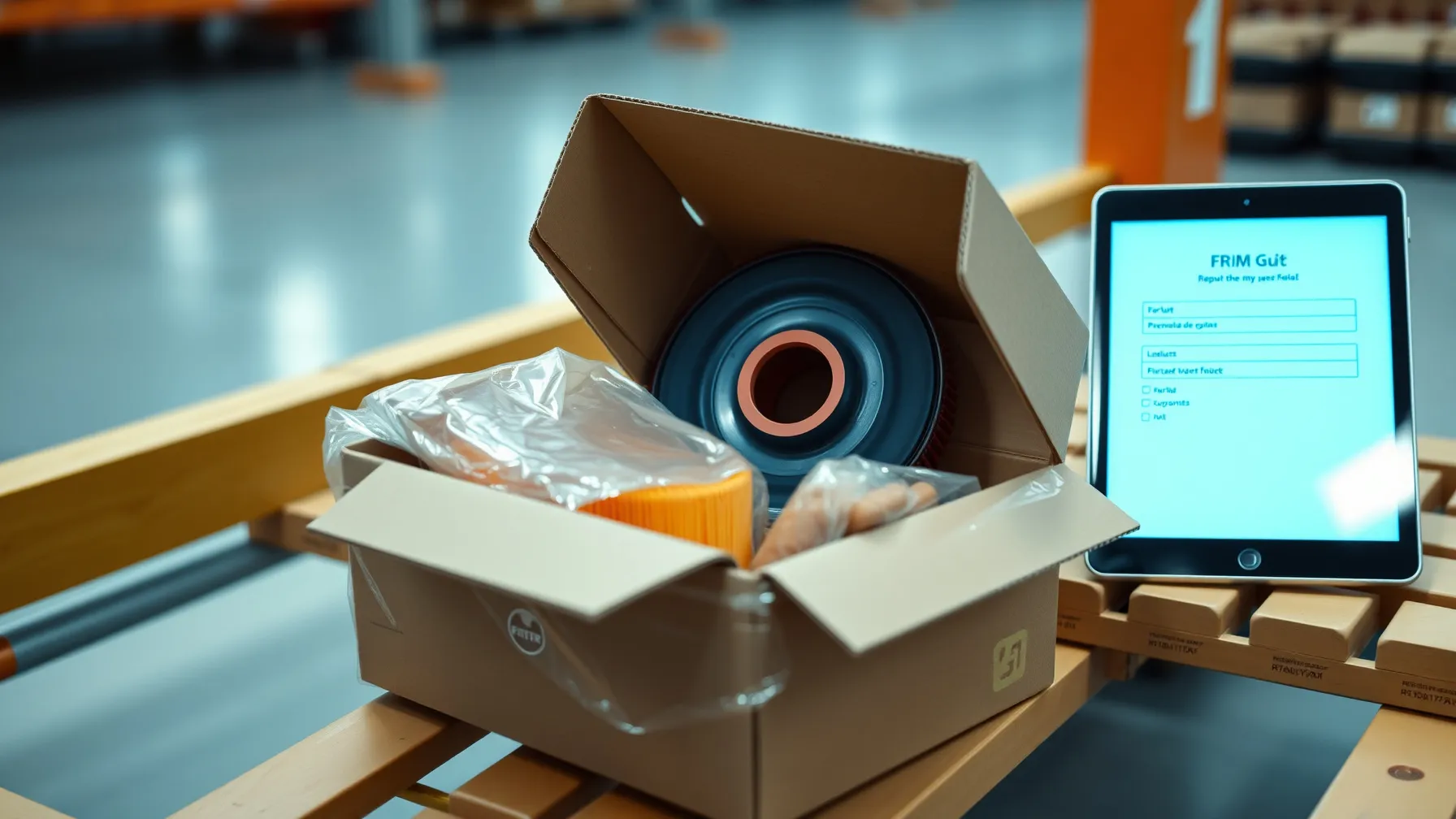
An auto parts return is not just a refund. It means verifying that the returned part matches exactly the OE code and article number identified during the original TecDoc catalog lookup, keeping traceability between the order, the vehicle's KTYPE and the delivered article, and updating stock correctly in the online store. Without this link between the return and the catalog data, a store risks accepting incompatible parts back, losing warranty tracking, or processing refunds for parts that never actually matched the vehicle from the original order.
This article covers the concrete steps for a return and warranty process tied to a TecDoc catalog: which documents are needed, how compatibility is verified when the return is received, how a commercial return differs from a warranty claim, and how the flow integrates into a Laravel/PHP store without breaking stock synchronization with the supplier.
It is written for online auto parts stores that already have (or are planning) a working TecDoc integration and want to add a solid return/warranty process, not just a generic contact form.
Why Auto Parts Returns Differ From Other Product Categories
For clothing or electronics, a return is usually resolved by checking the physical condition of the product. For auto parts, verification must also confirm technical compatibility: does the returned part match the article number linked to the KTYPE of the vehicle from the original order? Was it installed or used, which can void the right of return for certain categories (brake pads, discs, timing belts)? Is the original packaging and the label with the TecDoc code still legible?
The difference from other ecommerce categories is that TecDoc catalog data becomes part of the return file, not just information shown at the time of sale. Without this link, support staff cannot quickly confirm whether the part received back is the one ordered or a similar but incompatible part sent by mistake by the supplier.
Commercial Return vs Warranty Claim: How to Tell Them Apart
The first practical step is clearly separating the two flows, since they have different deadlines, documents and responsible parties.
- Commercial return (right of withdrawal): the customer cancels the purchase within the legal window (14 days in the EU for consumers), without the part being defective. The part must be unused, in original packaging.
- Warranty claim: the part was installed and showed a manufacturing defect or did not match the specifications declared in the catalog. This falls under the legal conformity warranty (minimum 2 years for new goods in the EU) or the commercial warranty offered by the supplier.
Confusing the two is the most common cause of delay in processing a return: a customer requesting warranty for a part that was installed incorrectly (not defective) does not automatically qualify for warranty, nor for a standard commercial return if the 14-day window has passed. The return form in the store must explicitly ask for the request type before generating an RMA number.
Documents and Data Required for a TecDoc-Linked Return
For the return file to be quickly verifiable against the catalog data, the store needs a minimum set of information, collected directly from the original order:
| Field | Source | Role in return verification |
|---|---|---|
| Order number + invoice number | Online store | Identifies the transaction and purchase date, for the legal deadline |
| TecDoc article number | Product page / TecDoc API | Confirms the returned part is exactly the one sold, not an equivalent |
| Vehicle KTYPE | Customer selection at checkout (fitment mapping) | Verifies whether the part was actually compatible with the declared vehicle |
| Return reason / request type | Return form | Separates commercial return from warranty claim |
| Photos of part + packaging | Customer, at request submission | Evidence of physical condition before return shipping |
Automatically linking the article number and KTYPE to the order, at the moment of sale, is only possible if the TecDoc integration keeps this data in the order history, not just in the product display. If the store shows catalog compatibility but never saves it on the order, verifying a return ends up requiring a manual catalog search weeks or months later.
The Practical Return Processing Flow, Step by Step
- Customer submits a return request: selects the order, the product and the request type (commercial return or warranty), uploads photos if applicable.
- The system generates an RMA number and links it to the TecDoc article number and the KTYPE saved on the original order.
- Automatic compatibility check: the article number declared by the customer is compared with the one from the order; a mismatch triggers a manual review before approval.
- Part pickup/shipping to the warehouse, with the RMA label visible on the package.
- Receipt and physical inspection: staff confirm the part's condition, the label code and the match with the order.
- Decision: refund, replacement with the same part, or escalation to the supplier if the defect falls under the manufacturer's warranty.
- Stock and order status update in the store, with an automatic notification to the customer.
The critical, often-skipped step is the automatic compatibility check between the part declared at return and the data saved on the original order. Without this control, a return can be accepted for a part different from the one sold, creating stock discrepancies that are hard to reconstruct later.
When the Store Is Responsible and When the Supplier/Manufacturer Is
Not every warranty defect is fully resolved by the store. The practical distinction:
- The store is directly responsible for wrong deliveries (a different article number than the one ordered), packaging damaged in transit, or a mismatch between the catalog description and the physical part received.
- The supplier/manufacturer is responsible for manufacturing defects that appear after installation, within the commercial warranty period declared by the manufacturer (often different from the legal conformity warranty).
The contract with the parts supplier should explicitly specify the deadline within which the store can return a defective part to the supplier, and the required documents (batch number, purchase invoice, technical report in some cases). Without this clear deadline in the contract, the store risks being left with a customer-returned part with no way to recover the cost from the supplier.
Common Risks and How to Avoid Them
- Return accepted for an incompatible part: happens when the check on receipt is visual only, without comparison against the article number from the order. Fix: scan/verify the code on receipt, compared automatically with the data saved on the order.
- Stock left outdated after a return: if the stock update after a return is not automated, the store can resell a part already marked defective. Fix: the return status must automatically block the part from sellable stock until final verification.
- Confusion between commercial return and warranty that delays the response to the customer. Fix: a return form with mandatory questions that automatically classifies the request.
- Missing KTYPE traceability on old orders: if the TecDoc integration didn't save the KTYPE at the moment of sale, verifying compatibility for old returns becomes difficult. Fix: audit the order schema to confirm that article number and KTYPE are permanently stored on every order line, not just in the browsing session.
Integrating the Return Flow with a Laravel Store Built on TecDoc
In a Laravel store with a TecDoc integration, the return process relies on three technical elements already present in the catalog architecture:
- Persisting catalog data on the order: article number, manufacturer name and KTYPE are saved as a snapshot on the order line (not just a reference to the current catalog, which can change over time).
- A separate RMA module, linked by foreign key to the order and the product line, with its own status (pending, approved, rejected, completed) — it does not overwrite the status of the original order.
- Sync with supplier stock: if stock is automatically synced via API with the supplier (as described in the TecDoc catalog sync performance guide), returned parts confirmed as defective must be explicitly excluded from sellable stock, not just numerically decremented.
This structure avoids the most common technical mistake: treating a return as a simple stock quantity adjustment, without keeping the history that links the part to the order, the customer and the return reason.
Minimum Checklist for a TecDoc-Linked Return Process
- Return form with mandatory classification: commercial return or warranty.
- Article number and KTYPE permanently saved on every order line.
- RMA number generated automatically, visible on the return label.
- Compatibility check on receipt, compared against order data.
- Automatic blocking of the part from sellable stock until verification is complete.
- Clear contractual deadlines with the supplier for returning defective parts.
- Automatic customer notification at every RMA status change.
Frequently Asked Questions About Auto Parts Returns and Warranty With TecDoc
How long does a customer have the legal right to return an auto part ordered by mistake or unused?
In the European Union, consumers have a 14 calendar day right of withdrawal from receiving the product, for online purchases, without needing to justify the reason. The part must be returned unused, in original packaging, if the store's policy requires it explicitly and legally.
Can an installed auto part still be returned commercially?
Once installed on a vehicle, a part can no longer be returned under the standard right of withdrawal, since usage goes beyond the normal inspection allowed by law. The situation moves into warranty claim territory, if the part shows a manufacturing defect or does not match the specifications declared in the catalog.
What happens if the returned part does not match the article number from the order?
Returns must be verified by direct comparison with the article number saved on the original order. If the physical part doesn't match, the request is handled separately: either it was a store delivery error, or the customer mistakenly sent a different product, and the RMA file is updated accordingly before any refund.
Does the legal conformity warranty differ from the manufacturer's commercial warranty?
Yes. The legal conformity warranty is at least 2 years in the EU for new goods and is mandatory regardless of the seller's preference. The commercial warranty is offered additionally by the manufacturer or supplier, can have a longer duration or different terms, and should be checked separately, directly in the supplier's documentation.
How is KTYPE traceability kept for returns made long after the order?
Traceability is only kept if the store saves the KTYPE and article number as fixed data on the order line, at the time of sale, not just as a reference to the current catalog. Without this snapshot, a later change to the TecDoc catalog data can make it impossible to reconstruct the exact compatibility declared at the time of purchase.
Conclusion
A solid return and warranty process for auto parts is not just a contact form and a 14-day policy. It requires directly linking TecDoc catalog data (article number, KTYPE) to every order, clearly separating commercial return from warranty claim, and technical integration in the store that automatically blocks stock for parts under review. Stores that treat returns as part of the catalog architecture, not as a separate module, significantly reduce processing time and compatibility errors.
Want to add a returns and warranty module correctly linked to your TecDoc integration? Contact us for a technical consultation.



Write a comment