 English
 Romana

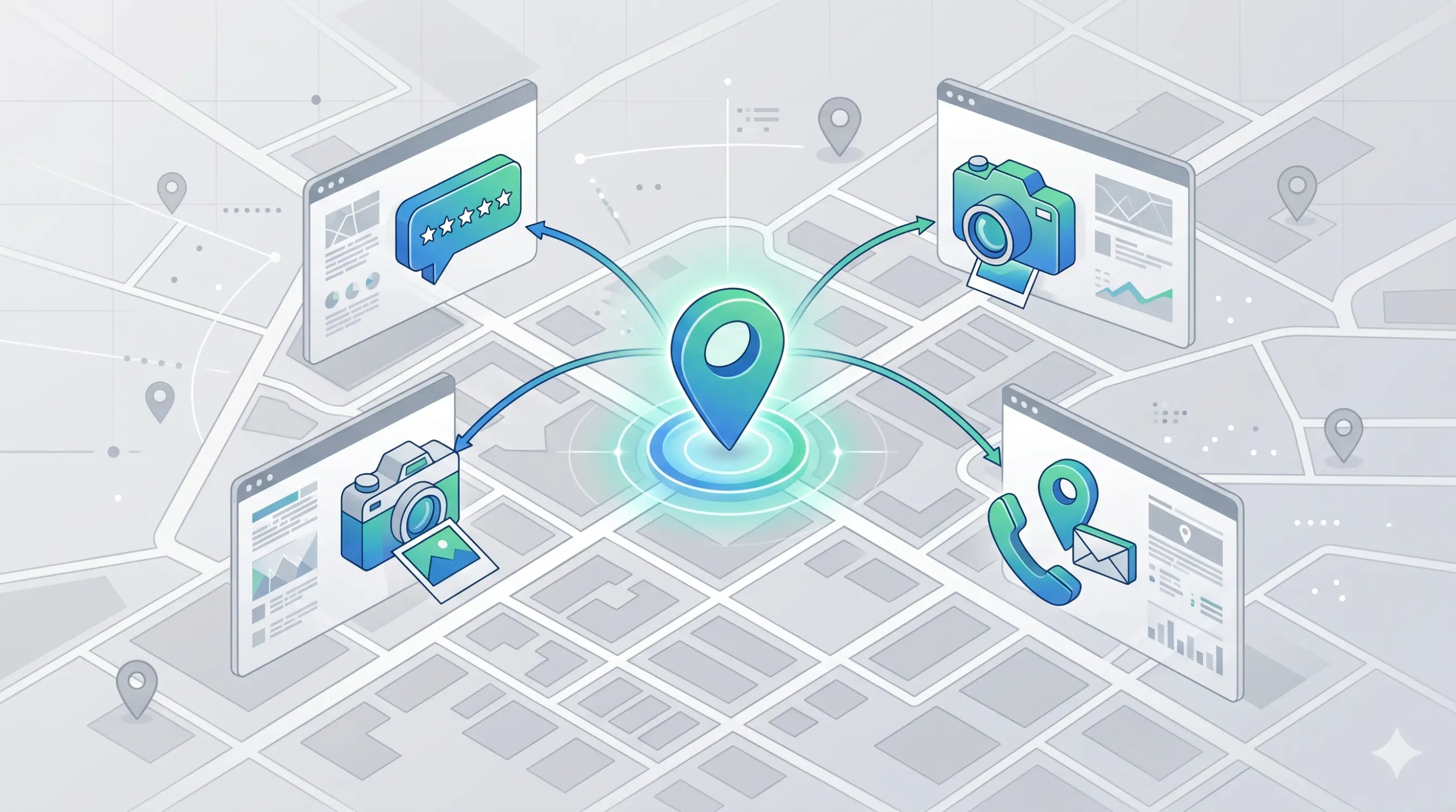
Optimizing your Google Business Profile for local SEO means completing, verifying, and consistently maintaining your business profile in Google Search and Google Maps, so your business shows up for relevant searches in the area where it operates. Google officially explains that local results are influenced by three main factors — relevance, distance, and prominence — and profile optimization acts directly on the first two and indirectly on the third.
In practice, a well-optimized Google Business Profile means the right category, contact details that match your website and other directories exactly, relevant photos, actively managed reviews, and consistent activity (posts, replies, updates). This guide walks through how to set up your profile correctly, how to choose the right model for your business (a physical location, a service-area business, or multiple locations), which mistakes lead to profile suspension, and how to implement everything through a practical 30-60-90 day plan. Last updated: 21 June 2026.
The guide is useful for clinics, salons, auto repair shops, installation or consulting firms, and any business in Romania with local customers, whether you run a single location, several locations, or work exclusively at the customer's address.
What Google Business Profile is and why it matters for local SEO
Google Business Profile (GBP) is the free profile a business uses to manage its presence in Google Search and Google Maps: name, address, hours, category, photos, reviews, and other information shown directly in search results. The platform was rebranded from Google My Business to Google Business Profile, but its core function stayed the same: connecting a real business with the people searching for it in that area.
A few quick definitions before going further:
- Local SEO = optimizing your online presence so a business shows up in searches with local intent (for example, "dental clinic" plus a city or neighborhood name).
- Local pack = the block of local results Google shows under the map for searches with clear local intent.
- NAP = short for Name, Address, Phone; these details must be identical everywhere your business is listed online.
- Local citation = any mention of your business's NAP details on another website (a directory, a review platform, local press).
For a business with local customers, the Google Business Profile is usually the first point of contact with a new customer: it appears on the map, in the local pack, and, for searches that include the business name, next to the organic result in Google Search.
How local ranking works in Google: relevance, distance, prominence
Google officially states, in its Google Business Profile documentation, that local results are based mainly on three factors: relevance, distance, and prominence. Understanding these three pillars is essential before any optimization, because every action you take on your profile influences one or more of them.
- Relevance = how well your profile matches what someone is searching for; it depends on complete, accurate information (category, description, attributes).
- Distance = how far the business is from the location or area someone is searching from; you cannot control it directly, but your address and service area must be precise.
- Prominence = how well-known and trusted the business is, based on signals such as the number and quality of reviews, online mentions, and backlinks to the website.
One important detail for any business in Romania: Google explicitly states that there is no way to request or pay for a better local ranking. Any service that promises a guaranteed local pack position directly contradicts this official statement.
How to set up a new Google Business Profile correctly
The initial setup is the foundation for everything that follows. An incomplete or inconsistent setup directly hurts your profile's relevance, the first of the three pillars described above.
Claiming and verification
You claim your profile at google.com/business, using a Google account tied to the business itself, not the personal account of an employee who might leave the company. Verification tells Google that you are authorized to represent that business; without it, the profile has reduced visibility and cannot be fully managed.
Primary category and secondary categories
The primary category is one of the strongest relevance signals in the profile. Choose the most specific category that accurately describes the main activity (for example "Dental clinic" instead of "Medical clinic," if that is the only real activity). Secondary categories complement the profile, but should not be used to cover services the business doesn't actually offer.
NAP details, business hours, and attributes
Enter the address exactly as it appears in reality, without keywords artificially added to the name field, the local phone number, and up-to-date hours, including special holiday hours. Attributes (wheelchair accessibility, parking, card payment) complete the information and help the user decide quickly.
Minimum checklist for initial setup:
- Profile claimed and verified on the business's own Google account.
- Correct, specific primary category.
- Name identical to the real name used in the physical world, with no extra keywords.
- Address, phone, and hours up to date and identical to those on the website.
- At least 3 relevant photos uploaded from launch.
Physical location, service area, or multiple locations: choosing your model
Not every business is set up the same way in Google Business Profile. The model you choose determines whether your address is public, how you set your service area, and how much maintenance the profile requires. Picking the right model is the first critical step toward a correct profile.
| Business model | How the address appears | What you set in the profile | Practical recommendation |
|---|---|---|---|
| Visitable physical location (clinic, salon, shop) | Publicly visible on the profile and in Maps | Exact address, visiting hours, clear primary category | Confirm the address across all channels and keep hours up to date |
| Service area, no customer visits at the address (service-area business) | Can be hidden; only the service area is shown | A service area defined by specific places, not a generic radius | Keep the area realistic; Google recommends no more than about 2 hours of driving time from the business base |
| Multiple locations of the same business (chain, franchise) | Each location has its own profile, with its own address | A separate profile per location, without duplicating service areas between profiles | Use location groups for centralized management |
A common mistake among businesses with no visitable location is leaving the address visible out of convenience, even though customers cannot actually visit it. This can confuse users and conflicts with Google's policy on representing your business accurately.
How to optimize profile content for visibility
Once the basic setup is done, content comes next: the elements that show people searching for your business what you offer, how you work, and why you're a trustworthy choice.
Business description
Write a clear description, in natural language, that explains what the business does and what sets it apart, without forcing keywords in. A useful description answers, in 2-3 sentences, the question "why choose this business over another one nearby."
Photos and products or services
Google recommends uploading relevant photos of your location, team, and activity, because they help users recognize the place and build trust before a visit. List your main services or products directly in the profile too, with clear names rather than generic ones.
Posts and the Q&A section
Posts about offers, news, or special hours show that the profile is active and help maintain relevance for users. The questions and answers section deserves constant monitoring: add the first frequently asked questions yourself, before a customer writes an incorrect answer.
Google reviews and local reputation management
Reviews are one of the prominence signals Google factors into local ranking. The number, quality, and pace of reviews, as well as how the business responds, matter for user trust and, indirectly, for visibility.
How to ask for reviews correctly
- Send customers the direct review link right after a positive experience.
- Reply to every review, positive and negative, with a professional, specific tone.
- Treat a negative review as a chance to show how you handle a real problem.
What Google explicitly prohibits
Google Business Profile policies prohibit fake or incentivized reviews: you cannot offer payment, discounts, or free products in exchange for a review, or for changing or removing a negative one. Violating this policy can lead to new reviews being blocked temporarily or to restrictions on the entire profile.
Local citations and NAP consistency: why they matter for prominence
A local citation is any mention of your business's name, address, and phone number on another website: local directories, review platforms, press, partners, or professional associations. The more consistent and widespread these mentions are, the more trust Google associates with the business, which supports the prominence pillar.
A simple inconsistency, such as an old phone number on a single directory, can confuse both Google and customers. Check your main citations periodically (your own website, social media, directories relevant to your field) and fix any difference from your current Google Business Profile details right away.
Risks, common mistakes, and how to avoid profile suspension
A Google Business Profile can be suspended or disabled if it doesn't follow Google's policies. The real risk isn't just a weaker position, it's losing visibility entirely: a suspended profile no longer shows up at all in Search or Maps, even for searches using the exact business name.
- Inconsistent NAP data across the website, profile, and directories → mitigation: a quarterly audit of your main citations, fixing differences right away.
- Business name with artificially added keywords → mitigation: use the exact real name of the business, with no descriptions or superlatives in the name field.
- Fake or incentivized reviews → mitigation: ask for reviews organically, without payment or conditions, and report obviously fake reviews, for example from competitors.
- Address shown incorrectly for a business with no visitable location → mitigation: set up the service-area model correctly, as described in the section above.
- Duplicate profiles for the same location → mitigation: check Google Maps periodically for old or mistakenly created variants and request that they be merged.
- Ignoring a suspension without filing an appeal → mitigation: submit an appeal from the business's Google account; Google typically reviews appeals within a few business days, and you should not create a new profile for the same business while the appeal is pending.
A practical 30-60-90 day implementation plan
Optimizing your Google Business Profile isn't a one-time action, it's an ongoing process. The plan below is a general guideline and can be adapted to your business size and number of locations.
The first 30 days: foundation
- Claim and verify the profile, or confirm verification if it's already done.
- Fix the primary category and fill in relevant secondary categories.
- Check and align your NAP data across the website and the main directories.
- Upload at least 5-10 relevant photos and complete the business description.
Days 31-60: visibility and trust
- Start a steady flow of review requests from real customers.
- Reply to every existing review, including older ones, if it's still relevant.
- Build or fix 5-10 local citations relevant to your field.
- Publish the first round of posts (offers, news, special hours).
Days 61-90: measurement and consolidation
- Review the profile's performance report (calls, direction requests, website clicks).
- Compare review and interaction growth against the first month.
- Update seasonal information (holiday hours, current offers).
- Set a monthly maintenance routine for reviews, posts, and citation checks.
How to measure profile performance and connect it to the rest of local SEO
The performance section in Google Business Profile shows, among other things, how many searches displayed the profile in Search and Maps, and how many calls, direction requests, and website clicks it generated. This data helps you see whether your optimizations have a real effect, not just a theoretical one.
Google Business Profile doesn't work in isolation. Your own website's performance still matters just as much: correctly indexed local pages, site speed, and LocalBusiness structured data complement the signals sent through the profile. If you want broader context on building a complete SEO strategy, see our related SEO article. Cross-check your profile data with Google Search Console and your website analytics for a complete picture of local traffic.
What does and doesn't influence local ranking in Google (summary)
For clarity, here is a quick summary of a few elements officially confirmed by Google, useful especially when you get conflicting local SEO advice.
| Factor | Influences local ranking? | Note |
|---|---|---|
| Complete, verified, up-to-date profile | Yes | Directly supports the relevance pillar |
| Reviews, pace, and replies | Yes | Main prominence element |
| Distance from the search location | Yes | Cannot be controlled directly, only address/area precision can |
| Paying Google for a better ranking | No | Google explicitly states this option doesn't exist |
| Keywords artificially added to the business name | Penalty risk | Can lead to profile restriction or suspension |
| Bought or incentivized reviews | Prohibited | Violates Google policy and can get the profile blocked |
FAQ - Google Business Profile Optimization for Local SEO
1. How long does it take to see results after optimizing Google Business Profile?
There's no guaranteed timeline, since it depends on local competition, the profile's starting point, and how steadily reviews come in. As a general guideline, the first visible changes usually appear within a few weeks to a few months of complete, consistent optimization.
2. Can I have one Google Business Profile for multiple locations?
No. Every visitable location needs its own profile, with its own address. For unified management, use a location group within the business's Google account.
3. What if my business has no physical location open to the public?
Set up the profile as a service-area business and hide the address. Define the service area by specific places rather than an undefined radius, following Google's recommended limit of about 2 hours of driving time from the business base.
4. Can negative reviews be removed from the profile?
You can't remove a negative review just because you don't like it. You can request removal from Google only if it explicitly violates policy (fake content, spam, abusive language). Otherwise, the most effective response is a calm, specific reply.
5. Is it mandatory to post weekly on the profile?
It's not a strict requirement, but consistent activity (posts, new photos, review replies) shows the profile is actively maintained and helps sustain relevance over time.
6. How does Google Business Profile connect to the rest of my website's SEO?
The profile complements your website, it doesn't replace it. Your contact page, LocalBusiness structured data, and correctly indexed local pages remain just as important for overall visibility in local searches.
Conclusion
Optimizing Google Business Profile for local SEO means correct setup, relevant content, actively managed reviews, and consistent local citations, all aligned with the three official pillars of local ranking: relevance, distance, and prominence. A 30-60-90 day implementation plan, applied consistently, turns an incomplete profile into a real channel for local customers.
Want a local SEO plan applied to your business? See our SEO services, examples from our project portfolio, or read our related SEO article for more context. For a personalized local audit, reach out on our contact page.
Expertise: local SEO, Google Business Profile setup and optimization, reputation and local citation management for businesses in Romania.
Image generated with AI, used for illustrative purposes.



Write a comment