 English
 Romana

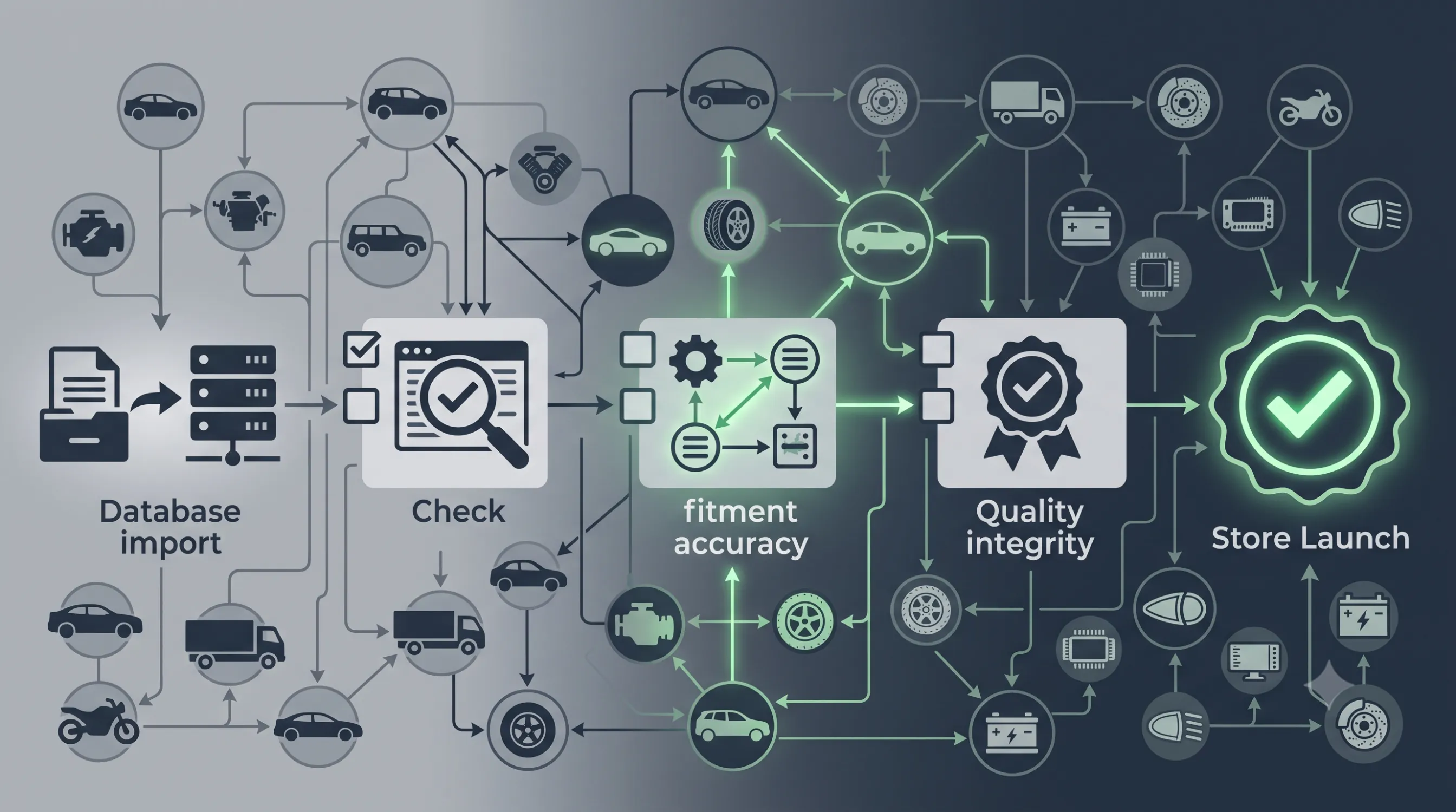
An auto parts store can have a technically working TecDoc integration — the API responds, prices display, orders go through — and still ship a customer a part that does not fit their car. The cause is almost always the same: incorrect or incomplete vehicle-to-part compatibility mapping, never validated before launch. Verifying the mapping is not a "nice to have" step; it is a mandatory functional test, just as important as testing the payment flow.
This article walks through a concrete verification process to run before go-live: which sample of vehicles and parts to pick, which technical fields to confirm (KTYPE, linkage tables, fitment criteria), the most common errors found, and who on a small team should actually run this check.
What "correct mapping" actually means in TecDoc
TecDoc links a vehicle to a part through the technical identifier KTYPE (the specific engine/version variant of a vehicle) and through linkage tables that associate each KTYPE with compatible articles, often conditioned by additional fitment criteria (production year, mounting position, engine variant). A mapping is correct when:
- The vehicle shown to the customer matches the exact KTYPE searched, not just the generic model.
- The returned part respects every fitment criterion attached to it, not just a model-level match.
- The compatibility shown reflects current TecDoc data, not an expired or partially synced cache.
The gap between "the part exists in the catalog" and "the part is genuinely compatible with this vehicle" is exactly what needs validating before launch — it cannot be assumed just because the API returns a response.
Why a mapping error found after launch costs far more
A compatibility error that testing missed shows up in production as one of these:
- Returns and logistics cost — the customer receives the part, finds it does not fit, and returns it, with round-trip shipping cost absorbed by the store or supplier.
- Lost trust — a customer who receives one incompatible part rarely comes back, no matter how good the rest of the buying experience was.
- Public negative reviews — "did not fit my car" is exactly the kind of review that hurts conversion for every other visitor, not just that one order.
- Higher support load — every compatibility return generates a support ticket, manual verification, and sometimes a refund.
The cost of verifying before launch is almost always lower than the cumulative cost of the first wave of compatibility returns once the store is already live.
Choosing the test sample: which vehicles and parts to pick
Exhaustively testing the entire TecDoc catalog before launch is not realistic — the catalog holds millions of vehicle-part combinations. A well-chosen sample instead covers most of the real risk:
- Top 20-30 makes/models for the store's target market (the most searched vehicles for the segment being served).
- Part categories with higher fitment risk — filters, brake pads, shock absorbers, timing belts — where fitment criteria (position, engine variant) are stricter than for generic parts.
- Vehicles with multiple engine variants on the same model — exactly where KTYPE mapping errors show up most often, because the model is identical but the engine differs.
- Edge-case vehicle ages — very new or very old models, where catalog data can be incomplete or updated less frequently.
The goal of the sample is not full coverage, but covering the points where a mapping error is most likely to occur.
Pre-launch technical verification checklist
For every combination in the sample, explicitly verify:
- Correct vehicle identification — searching by make/model/year or by VIN returns the expected KTYPE, cross-checked against TecDoc documentation or the official TecAlliance site.
- The compatible parts list matches the linkage table — no extra articles appear (too permissive a match) and none are missing (incomplete sync).
- Additional fitment criteria are respected — position (front/rear, left/right), engine variant, transmission type, whenever the article defines them.
- Front-end data matches the actual API response — not a stale local cache or a partially synced catalog.
- TecDoc catalog updates propagate to the store — a part withdrawn or changed in TecDoc no longer shows as available/compatible after the next sync.
Who should run this verification on a small team
A dedicated QA team is not required for this process, but the responsibility has to be explicitly owned by someone, not left implicitly to the developer:
- The integration developer confirms technical correctness — API calls, KTYPE mapping, catalog synchronization.
- Someone with automotive knowledge (a mechanic, a parts consultant, or even the store owner if they have industry experience) manually validates the vehicle-part sample from a practical, not just technical, angle.
- Final sign-off before launch should come explicitly from both roles — a developer's "looks correct technically" does not replace someone with automotive experience confirming "it actually fits".
Combining both perspectives significantly reduces the risk of a mapping that is technically correct but practically wrong slipping through unnoticed.
Common errors found in pre-launch verification
| Error | Typical cause | How to prevent it |
|---|---|---|
| Part shown as compatible but with unverified fitment criteria | Integration ignores extra linkage table fields (position, engine variant) | Display fitment criteria explicitly on the product page, not just "compatible" |
| Vehicle confused with a similar-looking model | Search based on make/model only, without exact KTYPE resolution | Use TecDoc's step-by-step selector or VIN lookup, not free-text search alone |
| Part withdrawn from the catalog still shown as available | Stale catalog sync or overly long cache lifetime | Check sync frequency and cache invalidation on catalog updates |
| No results at all for real, frequently searched vehicles | Partial catalog import or overly strict mapping filters | Explicitly test the target market's top models before launch, not just random cases |
What to do when you find mapping errors before launch
Finding an error at this stage is the intended outcome of the process, not a failure of the integration. Practical next steps:
- Document the exact vehicle-part combination that triggered the error, with KTYPE and article code, so it can be reproduced.
- Isolate the cause — a sync issue, an application-level filtering bug, or a genuine data limitation in TecDoc for that vehicle.
- Fix it at the source — in the sync or mapping layer of the application, not through a manual one-off exception for a single product.
- Re-test the whole sample, not just the fixed case — a mapping logic fix can affect other vehicle-part combinations too.
Monitoring after launch, not just a one-time check
Pre-launch verification lowers the initial risk, but the TecDoc catalog keeps updating, and your own integration keeps evolving. To maintain accuracy long-term:
- Schedule periodic catalog re-synchronization, not just a one-time import at launch.
- Track compatibility-related customer returns as a direct quality signal for the mapping — a sudden spike in this return type points to a sync problem, not just isolated cases.
- Repeat the test sample after any major update to the TecDoc integration or to the application's filtering logic.
Frequently asked questions about TecDoc compatibility verification
How long does full pre-launch verification take?
For a sample of 20-30 models and a few high-risk part categories, manual verification typically takes a few working days, depending on the experience of the person validating and the size of your own catalog.
Is it enough to test just a few random parts?
No. Random testing misses exactly the high-risk areas — models with multiple engine variants and part categories with strict fitment criteria. A structured sample, chosen per the criteria above, covers those risks far more effectively than a random test would.
What if TecDoc doesn't have complete data for a vehicle in your target market?
Explicitly flag that vehicle as unsupported or with limited data, instead of showing partial results as if they were complete. Customers prefer a clear unavailability message over an incomplete list presented as reliable.
Do you need to re-run verification after every catalog sync?
Not the full sample, but the high-risk subset (multiple engine variants, strict fitment categories) is worth re-testing after any major sync or after changes to the application's filtering logic.
Conclusion
Compatibility mapping accuracy is not confirmed by the fact that the TecDoc integration "works technically" — it is confirmed through an explicit verification process, on a well-chosen sample of vehicles and parts, before launch. A few days of structured verification, with someone who has automotive experience working alongside the developer, prevents returns, lost trust and a much higher support cost after go-live.
Need a custom solution for your auto parts catalog? Let's talk.



Write a comment