 English
 Romana

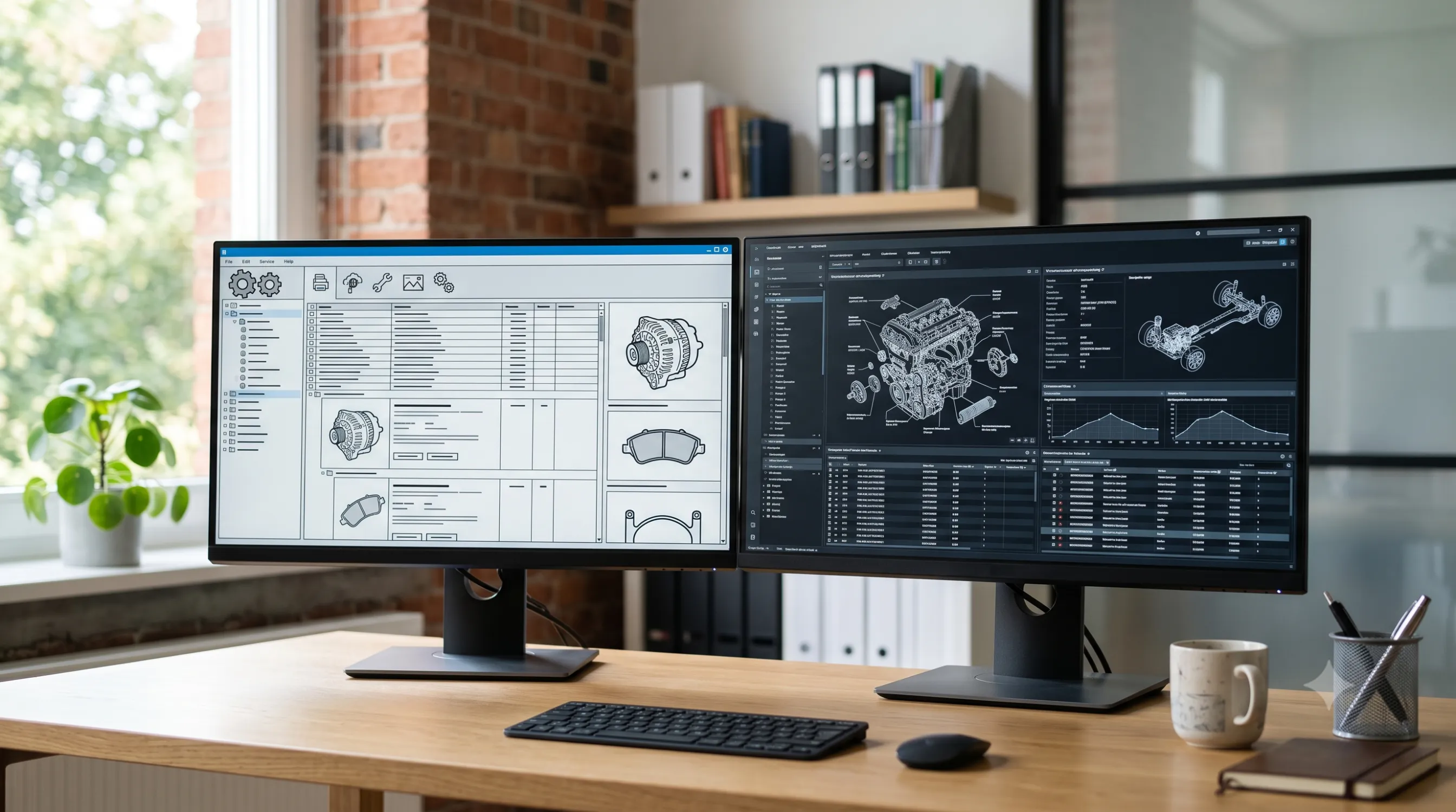
Migrating from a custom catalog to TecDoc changes product structure, URLs, and how Google indexes the store, not just the source of technical data. For a store with years of history, this switch touches three sensitive areas at once: database architecture, existing organic traffic, and the experience of customers used to the current product pages.
Many stores delay migration exactly because they fear losing Google rankings, even though the original reason they consider TecDoc is the opposite problem: a custom catalog becomes hard to maintain at scale, once part and vehicle coverage grows. This article walks through the real migration steps, the concrete risks, and what happens, point by point, to the store's SEO before, during, and after the move to TecDoc.
Why stores migrate from a custom catalog to TecDoc
A custom catalog usually means a product table built manually or imported from supplier invoices, without a standardized link between a part and its compatible vehicles. It works reasonably well for a few thousand products, but becomes expensive to maintain once a store grows past tens of thousands of SKUs and dozens of car brands.
Typical reasons stores migrate to TecDoc:
- Incomplete or incorrect fitment mapping between parts and vehicle models, leading to returns caused by wrong matches.
- High manual effort to update the catalog whenever a supplier changes product codes or adds new vehicles.
- No search by VIN or by standard technical criteria (engine type, model year, KTYPE).
- Competitive pressure: larger stores in the niche already use TecDoc and offer a more accurate catalog to customers.
What the catalog migration actually involves, technically
TecDoc is the auto catalog managed by TecAlliance, used by most European aftermarket distributors for standardized part-to-vehicle mapping. Migrating to TecDoc doesn't mean deleting the old catalog and replacing it overnight — it's a staged process that, for a period, runs both data sources in parallel.
At a technical level, migration typically involves:
- Obtaining the TecDoc license and access to the TecAlliance API/WSDL for the parts and vehicle catalog.
- Building a mapping layer between existing internal codes (own SKUs) and TecDoc identifiers (articleNumber, KTYPE, linkageId).
- Migrating the database structure so product pages can display vehicle-part compatibility from TecDoc data, not the old table.
- Periodic synchronization of the TecDoc catalog (initial import plus incremental updates), not a one-time import at launch.
Technical implementation details (Laravel architecture, API sync, KTYPE mapping) are covered in depth in the guide on optimizing TecDoc catalog sync performance and the guide on vehicle-part fitment mapping with KTYPE.
The practical migration steps, in order
A controlled migration generally follows this sequence. Skipping a step (especially the initial audit or the parallel-run period) is the main cause of problems reported after migration.
- Audit the existing catalog. Export every indexed product and category URL, organic traffic per page from the last 12 months, and the full list of active SKUs.
- Map own SKUs to TecDoc articleNumbers. For every active product, identify the TecDoc equivalent; explicitly flag products with no direct match.
- Staging environment with both catalogs. Run the TecDoc catalog in parallel with the old one, on a subdomain or isolated environment, noindexed, for full testing.
- URL redirect plan. Build a 301 redirect map from every old product/category URL to its new equivalent in the TecDoc structure, before launch, not after.
- Migrate transactional data. Order history, open returns, and wishlists must keep working with the new product identifiers.
- Gradual rollout. Switch by category, not the whole catalog at once; monitor 404 errors, conversion rates, and Search Console positions for each launch wave.
- Post-launch monitoring period. A minimum of 4-8 weeks of close tracking of organic traffic, crawl errors, and customer feedback before considering the migration complete.
What SEO loses during the migration
Migrating a catalog almost always changes the structure of product and category URLs. Even with correct redirects, a change of this scale causes temporary SEO losses:
- Short-term ranking fluctuations. Google reprocesses signals for the new URLs; some position variation in the first 2-6 weeks after launch is normal.
- Loss of accumulated unique content. If old pages had their own descriptions, reviews, or editorial content tied to a specific SKU, that content must be migrated explicitly — the standard TecDoc catalog doesn't bring it over automatically.
- Duplicate content risk. Standard TecDoc descriptions are used by many stores in the market. Without editorial differentiation, new pages can end up looking like competitors' pages. This is covered in detail in another dedicated catalog sync guide, but it's worth flagging here as a direct migration risk.
- Uncontrolled 404s. Any old URL without a correct redirect becomes an error page, directly affecting traffic and the experience of users arriving from old search results.
What SEO gains after the migration
The losses above are, in most cases, temporary and recoverable. The structural gains of a well-implemented TecDoc catalog, however, are permanent and offset the migration cost over the medium term:
- Broader long-tail search coverage. The TecDoc catalog standardizes brand-model-engine-part combinations that generate query variations a manually built custom catalog rarely covers in full.
- Consistent structured data. Vehicle-part compatibility can be exposed clearly on the page (schema.org Product/Vehicle), which helps accurate display in search results.
- Fewer trust-damaging content errors. Correct fitment, validated by TecDoc, reduces pages with contradictory information between title and description — a quality signal for search engines.
- Scalability for new content. Adding new vehicles and parts to the catalog no longer requires full manual copywriting, allowing faster growth of the number of indexable pages.
When migration is worth it, and when it isn't yet
Migrating to TecDoc isn't automatically justified for every store. The decision criteria below help with a realistic assessment before committing resources to a migration project.
| Situation | Migration is worth considering | Better to stay on the custom catalog, for now |
|---|---|---|
| Number of SKUs | Several thousand products and growing | Small catalog, under a thousand stable products |
| Fitment errors | Frequent returns caused by wrong fitment | Low return rate, catalog consistently verified manually |
| Technical resources | Team/partner able to run a staged migration | No dedicated resources for a multi-month project |
| Current organic traffic | Stable traffic, with a clear redirect plan | Critical organic traffic, no budget for post-migration monitoring |
Common risks and how to mitigate them
Most migration problems don't come from TecDoc itself, but from rushing the process. The risks below show up consistently in real projects.
- Risk: full launch, without staging by category.
Mitigation: migrate category by category and keep the rest of the old catalog active until each wave is fully validated. - Risk: incomplete or manually built redirect map, with errors.
Mitigation: generate the redirect map automatically from the SKU-to-articleNumber mapping and validate it with a crawler before launch. - Risk: losing unique editorial content (custom descriptions, reviews) in the rush of migration.
Mitigation: preserve and reattach existing editorial content to the new pages, don't fully replace it with standard TecDoc text. - Risk: TecDoc catalog sync running unmonitored after launch.
Mitigation: set up alerts for sync errors and manually review a sample of pages after every major update.
Practical migration plan, at a glance (30-60-90 days)
- Days 1-30: full audit of the current catalog and traffic, obtaining the TecDoc license, initial SKU-to-articleNumber mapping, staging environment without indexing.
- Days 31-60: building the redirect map, testing vehicle-part compatibility on a representative sample, migrating existing editorial content.
- Days 61-90: gradual rollout by category, daily monitoring of 404 errors and Search Console positions, adjustments based on the first traffic signals.
A minimum validation checklist before each launch wave:
- Redirect map tested for every URL in the current wave.
- Vehicle-part fitment manually verified for a high-risk product sample (engine parts, braking systems).
- Unique editorial content migrated, not just the standard TecDoc description.
- Alerts configured for sync and crawling errors.
Frequently asked questions
How long does migrating from a custom catalog to TecDoc take?
For a mid-sized store, a staged migration plan typically takes 2 to 4 months, depending on SKU volume and mapping complexity to the TecDoc catalog. Rushed migrations, without staging, tend to create more problems than they save in time.
Do I lose Google rankings if I change product URLs?
With a correct and complete 301 redirect map, the loss is usually temporary, limited to the first weeks after launch. Without redirects, or with an incomplete map, the loss can become permanent for uncovered URLs.
Can I run the old catalog and TecDoc in parallel?
Yes, and it's recommended. Running both in parallel, on a staging environment or isolated noindexed categories, allows full validation of TecDoc data before real traffic reaches the new pages.
What happens to manually written product descriptions?
They need to be migrated explicitly, not automatically replaced with standard TecDoc text. Unique editorial content is one of the factors that differentiates a page from other stores using the same standard catalog.
Does migration affect existing integrations (marketplace, ERP)?
Yes. Any integration that uses the old SKUs as an identifier (marketplace, ERP, invoicing systems) needs to be updated to recognize either the new TecDoc identifiers or a stable mapping between the two. Skipping this step usually blocks order synchronization after launch.
Conclusion
Migrating from a custom catalog to TecDoc is an infrastructure project, not just a data source change, and it deserves the same level of planning as any other major site migration. Temporary SEO losses are manageable with a solid redirect plan and a gradual rollout; the structural gains in long-tail coverage and catalog scope remain, over the medium term, the real reason this migration is worth doing.
Want to migrate your auto parts store to TecDoc without losing your accumulated organic traffic? Let's talk about a migration plan tailored to your current catalog.



Write a comment