 English
 Romana

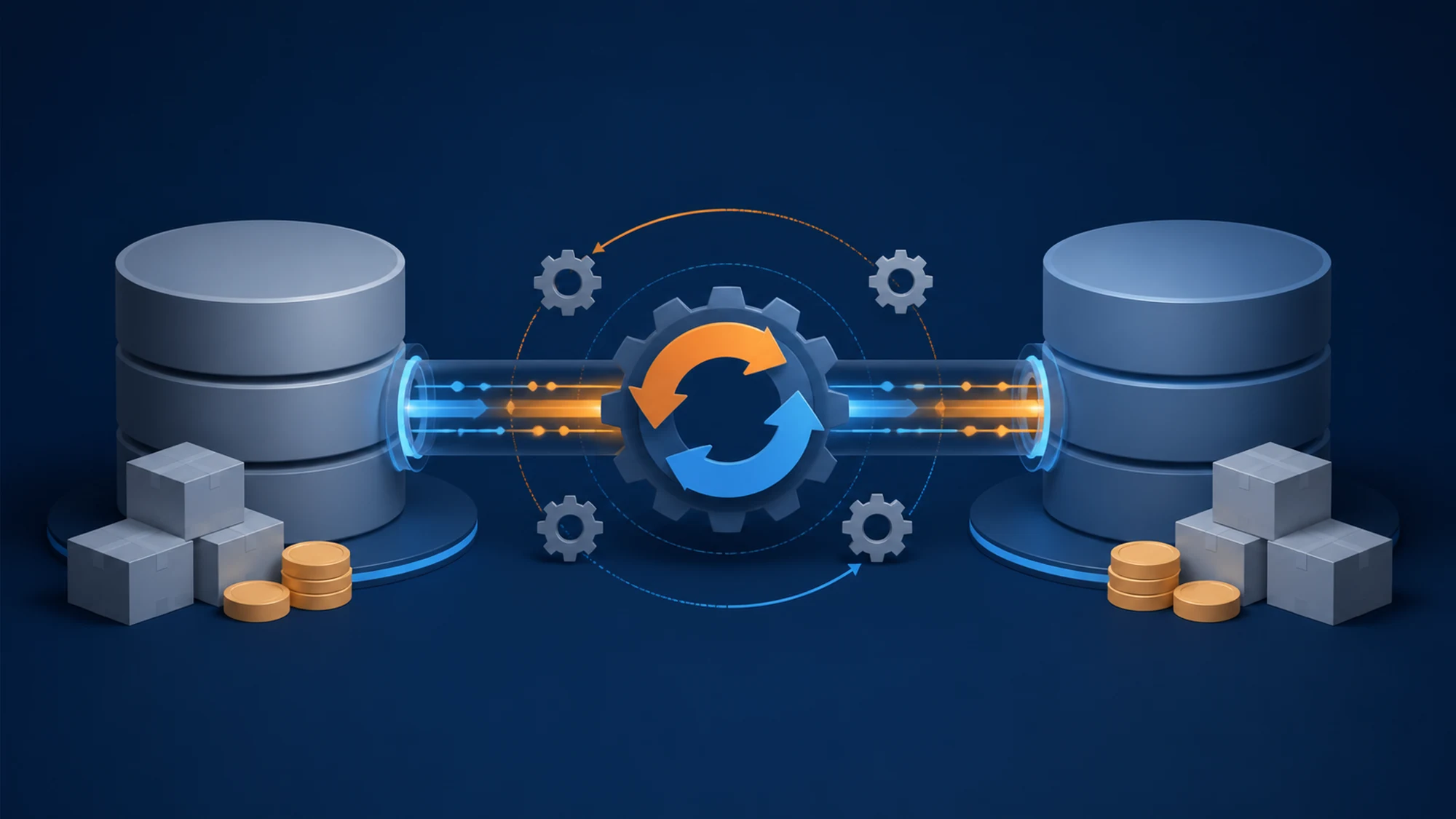
Stock and prices in an auto parts store change dozens of times a day, and the TecDoc catalog needs to reflect the exact same numbers - otherwise a customer sees "in stock" for a part that is actually gone. The standard solution is a sync job that pulls data from the ERP, transforms it into the format the local catalog expects, and writes it without ever stopping the store during the update. The key to zero downtime is to never write directly over the tables the storefront reads in production - instead, build a new version of the data and switch to it atomically once validation passes.
This article explains the technical architecture behind this sync: from the ERP-TecDoc-storefront structure, through a queued-job model with shadow tables, to the common errors that lead to wrong stock being shown to customers. It's useful for Laravel/PHP teams maintaining a store with TecDoc integration and an external ERP (Windows-based, cloud or on-premise), as well as for IT managers who want to understand where the risk points sit in this flow.
What stock and price synchronization between ERP and TecDoc means
TecDoc provides the structure of the auto parts catalog: part identification, vehicle compatibility, technical attributes and OEM codes. TecDoc does not track your stock levels or your selling prices - those come from the store's ERP system (Saga, WinMentor, SAP, a custom ERP, or another). Synchronization means the process that merges these two data sources into a single catalog shown to the customer: part identity comes from TecDoc, availability and price come from the ERP.
In practice, the store keeps a local link between the TecDoc internal code of the part (articleId or a similar reference) and the ERP's product code (usually the internal SKU or inventory code). This link, often called "ERP-TecDoc mapping", is what makes automatic stock and price synchronization possible.
Why manual sync or CSV export/import doesn't keep up
Many stores start with a CSV export from the ERP, uploaded manually or through a simple daily cron. It works at first, but has clear limits:
- Displayed stock stays stale between two exports - a customer can order a part that was sold hours earlier.
- A full CSV export, for catalogs with tens of thousands of references, can take long enough to overlap two runs or block server resources during peak hours.
- There's no automatic validation before applying the data - a corrupted or incomplete file can wipe stock for thousands of products with no alert.
- There's no fast rollback if a run introduces bad data.
For a catalog with steady traffic, synchronization needs to be incremental (only what changed, not the whole catalog every time) and needs to run on a flow that doesn't affect how the live store reads data.
Recommended architecture: job queue + shadow tables
The model that avoids downtime relies on three components that work separately from the tables read in production:
- Source of ERP changes - either a webhook/export triggered by the ERP on every stock or price change, or a scheduled job that queries the ERP at a short interval (5-15 minutes) and extracts only rows modified after a timestamp.
- Processing queue - each batch of changes goes into an asynchronous job (e.g. Laravel Queue) that performs ERP-TecDoc mapping, validates the data, and writes the result into a shadow table (a copy of the stock/price table, separate from the one served live).
- Atomic switch - once every row in a batch has been validated, the application switches the reference to the shadow table - via a single transaction or a bulk update - which becomes the current source. The storefront always reads from one single "active" table, never directly from the table being written to.
This pattern - write separately, validate, switch atomically - is why the sync produces no downtime: customers keep reading consistent data the whole time, and the switch itself takes milliseconds, not minutes.
Incremental sync vs full sync
For stock and price, incremental sync (only the delta since the last run) is almost always the right approach, unlike the TecDoc product catalog itself, where a periodic full resync is still useful to catch new or discontinued parts. Running a full stock sync every few minutes on a large catalog wastes resources for no reason - the typical delta is a small fraction of the total catalog.
How you avoid downtime during the update
Downtime usually comes from three avoidable causes: write locks on the table read live, synchronous processing that holds connections open too long, and no validation before applying data. The practices below eliminate each cause:
- Never write directly to the table served to customers - use the shadow table and atomic switch, as described above.
- Process in small batches (a few hundred to a few thousand rows), not a single massive update that locks the table for tens of seconds.
- Run jobs asynchronously, outside the HTTP request - a customer browsing the site should never wait for a sync job.
- Use idempotency - if a job fails and retries, applying the same data again must not produce duplicated stock or a wrong price.
- Schedule heavy-duty runs (e.g. rebuilding a search index) outside peak hours, even if stock/price sync itself runs continuously.
Webhook from ERP vs scheduled polling
Choosing between the two change-capture methods depends on what the ERP supports and how fast displayed stock needs to be:
| Criterion | Webhook from ERP | Scheduled polling |
|---|---|---|
| Latency until update | Near-instant (seconds) | Equal to the polling interval (minutes) |
| ERP support required | ERP must be able to send HTTP events | Any ERP with data export or database access |
| Implementation complexity | Higher - dedicated endpoint, validation, retry | Lower - a classic scheduled job |
| Risk of missed events | Present if the endpoint is temporarily unavailable | Low - the next run automatically recovers the delta |
| Best suited for | Fast-moving stock, modern ERPs with an API | Most classic ERPs, infrequently changed prices |
In practice, many integrations combine both: a webhook for critical events (stock running out), plus a safety poll every 10-15 minutes that recovers any missed event.
Common risks and how to prevent them
- Incomplete ERP-TecDoc mapping - an ERP product code with no TecDoc match stays orphaned and never updates. Prevent this with a periodic report of unmapped codes, checked manually or semi-automatically.
- Negative stock or zero price accepted as valid - without validation, an ERP export error can write negative stock or a zero price straight into the catalog. Add validation rules before switching into the active table (e.g. reject rows with a price below a configurable threshold).
- A stuck job that holds up the whole queue - a single job that keeps failing can block the rest of the queue. Use retries with a limit and a separate job per batch, not one monolithic job for the entire catalog.
- Timezone or numeric format mismatch between ERP and application - prices with a different decimal separator or misinterpreted timestamps silently produce wrong values, with no visible error. Normalize the format at the pipeline entry, before any calculation.
- Cache not invalidated after sync - if the storefront caches product pages, stock can stay displayed incorrectly even though the database is already updated. Explicitly invalidate the cache for the products modified in the current batch.
Practical plan: implementation steps
- Build and document the ERP-TecDoc mapping table (ERP code -> TecDoc identifier), with a weekly report of unmapped codes.
- Create shadow tables for stock and price, separate from the tables read in production.
- Implement change capture from the ERP (webhook, polling, or both), with incremental extraction based on a timestamp or a modified flag.
- Set up queued jobs that process small batches, with limited retries and per-row error logging, not just per-job.
- Add validations before switching: negative stock, price below threshold, invalid numeric format.
- Implement the atomic switch between the shadow table and the active table, plus cache invalidation for the modified products.
- Monitor the time from a change in the ERP to its reflection in the store, and set an alert if it exceeds an acceptable threshold.
What to monitor after going live
Automatic synchronization doesn't end at implementation - it needs ongoing monitoring to stay reliable. Track at minimum: rows processed successfully vs. failed per run, average time from ERP change to catalog reflection, the number of unmapped ERP codes, and any queue backlogs (jobs sitting in the queue for a long time). A sudden spike in failed rows is usually a sign of an unannounced change in the ERP's export format.
FAQ: common questions about ERP-TecDoc sync
How often should stock be synced between ERP and TecDoc?
For fast-moving parts, the recommended interval is a few minutes (5-15 minutes) for stock, via polling, or near real-time via webhook. Prices can be synced at a more relaxed interval (e.g. hourly), unless the store makes frequent price changes, during campaigns or based on exchange rates.
Can this sync run without ever stopping the store?
Yes, as long as you never write directly into the tables read by the live storefront. The shadow table plus atomic switch model described above is exactly the method that lets synchronization run continuously with no maintenance window visible to customers.
What happens if the sync fails halfway through?
If each batch is first written to the shadow table and the switch only happens after the batch is fully validated, a failure halfway through means the active table stays unchanged - customers keep seeing the last valid data, not partially updated data. The failed job retries automatically in most cases, with no manual intervention needed.
Do you need to sync the entire TecDoc catalog or just in-stock products?
Catalog structure (part identification, compatibility) is pulled from TecDoc for the entire catalog relevant to the store. Stock and price, on the other hand, are synced only for products actually managed in the ERP - there's no point updating stock for parts the store doesn't sell.
What happens to TecDoc products that don't exist in the ERP?
They stay marked as unavailable or are excluded from the public catalog, depending on the store's policy. The safest approach is to never show a price or an order option for a product without a confirmed ERP match, to avoid orders on parts the store can't actually fulfill.
Conclusion
A zero-downtime ERP-TecDoc sync doesn't come down to a single technical trick - it comes from an architecture that separates writing from reading: queued jobs, shadow tables, validation before switching, and continuous error monitoring. Done right, customers always see correct stock and prices, with no maintenance windows and no risk of selling a part that no longer exists in inventory.
Want to integrate TecDoc into your auto parts store? Contact us for a consultation on the sync architecture that fits your ERP.
Image generated with AI, used for illustrative purposes.



Write a comment