 English
 Romana

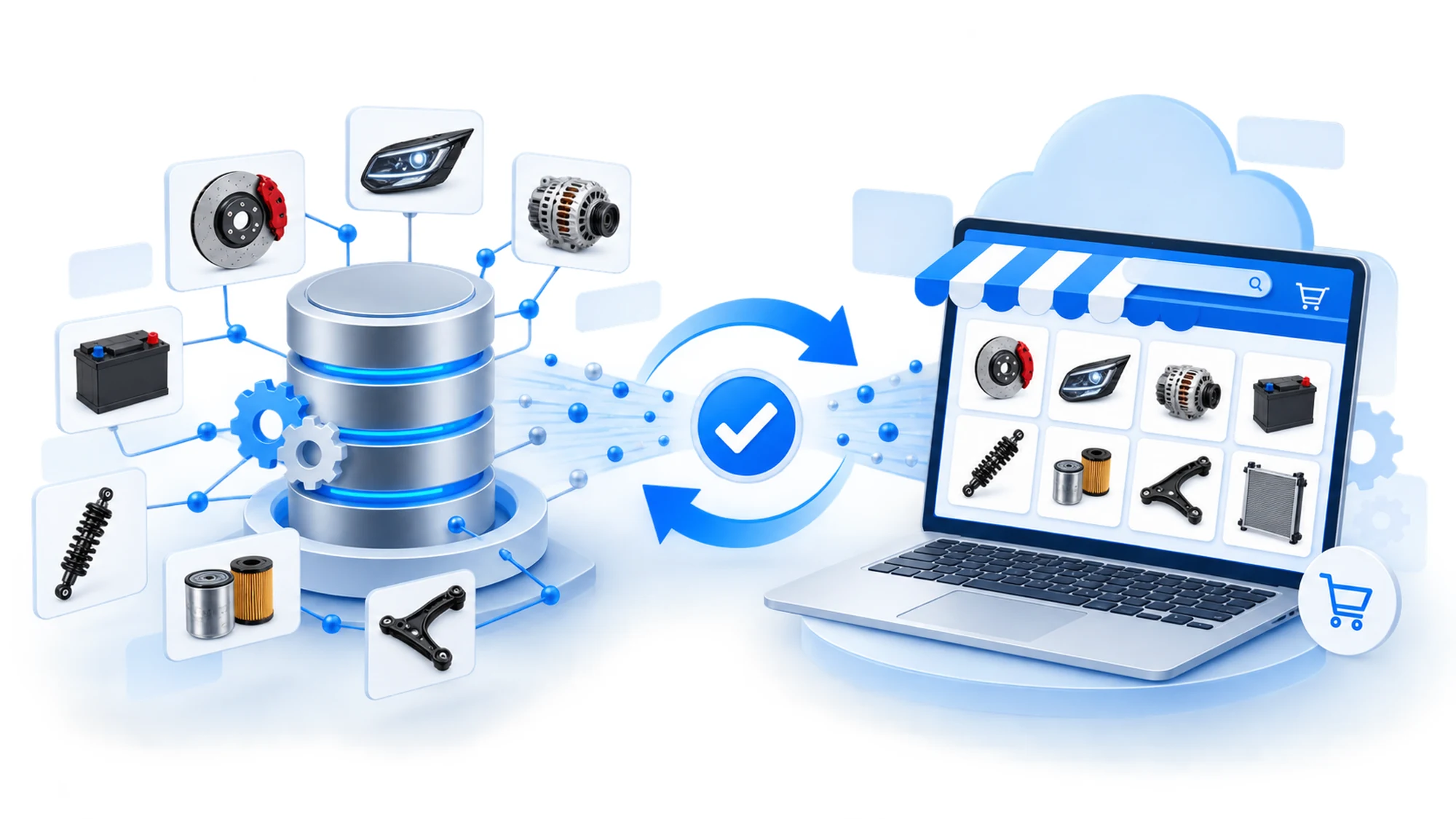
An outdated YQ Service database creates, over time, exactly the problem the system was integrated to solve: OE parts matched incorrectly to a vehicle. Original Equipment (OE) catalogs in the ACIS system change constantly — manufacturers release new models, update part codes, discontinue old variants. If the store's local database doesn't pull in these changes at a reasonable interval, the catalog shown to customers ends up carrying outdated OE data, even if the initial integration was correct.
This article treats YQ Service database maintenance as an ongoing process, not a one-time implementation step: how often the catalog should be updated, what actually changes with each version (new vehicles, revised part codes), what risks appear when updates are skipped or delayed, and how to build a practical maintenance plan for a store already running VIN-based search.
What YQ Service database maintenance is, and why it doesn't end at integration
The initial YQ Service API integration brings into the store the OE parts catalog as it existed at that moment: exploded diagrams, part codes, vehicle-to-part compatibility. Manufacturers licensed within the ACIS system (VW, BMW, Audi, Toyota and others) keep publishing updates, though — new models, facelift generations, revised part codes for the same vehicles, parts discontinued from production. Without a periodic update process, these changes stay outside the local catalog, even after the data provider has already published them.
Database maintenance means, concretely, periodically syncing local data with the latest version available from the ACIS system: fetching/updating catalogs, applying them to the store's database, and verifying the changes haven't broken existing compatibility records.
What actually changes with each catalog update
A catalog update isn't just "new vehicles added." In practice, it covers several types of changes, each with a different impact on the store:
- New vehicles — recently released models and generations, added to the VIN identification base.
- Revised part codes — the manufacturer replaces an OE code with another for the same position in the technical diagram, without changing the vehicle itself.
- Discontinued parts — codes flagged as no longer in production, which shouldn't be shown as available for new orders.
- Compatibility corrections — supplier-level adjustments where a vehicle-part combination previously marked compatible gets corrected.
- Exploded diagram updates — visual representations of part assemblies, revised for clarity or for new vehicles.
Each category requires different handling in the store: a discontinued code must be marked unavailable, not just left visible with old stock; a revised code must replace the old reference for future orders, without affecting the history of orders already placed.
Why outdated OE data is riskier than missing data
An incomplete catalog is a visible problem: the customer searches for a part, doesn't find it, contacts support. An outdated OE database is more dangerous precisely because it's invisible at first glance — the store shows a result, the customer orders, the part arrives wrong or no longer exists physically at the manufacturer. The direct consequence: a return, double logistics cost, time lost at a repair shop waiting for the correct part.
For a distributor or repair shop using VIN-based search as an accuracy argument toward customers, an error discovered only at delivery erodes exactly the trust the YQ Service integration was meant to build.
How often should the database be updated
The optimal frequency depends on order volume and how sensitive the catalog is to fast changes (for example, stores focused on recent models, where OE codes get revised more often). In the absence of an exact public recommendation from YQ Service for every store type, a practical, orientative benchmark that applies to most cases:
| Store type / volume | Recommended update frequency | Reason |
|---|---|---|
| High daily order volume, many recent models | Weekly | Higher risk of revised codes between consecutive orders |
| Medium volume, stable catalog (mostly older models) | Every 2-4 weeks | Rarer changes for already-established vehicles |
| Low volume, new or narrow catalog store | Monthly, with manual checks on large orders | Maintenance cost proportional to volume |
This table is an orientative starting point, not a fixed rule from YQ Service. For an exact plan, check the catalog update frequency directly at the source, on yqservice.eu, or discuss it with the technical team maintaining the integration.
What a practical maintenance process looks like, step by step
Regardless of the chosen frequency, the OE catalog update process broadly follows the same steps:
- Check for a new catalog version available in the ACIS system, through the YQ Service API.
- Run the update in a staging environment, not directly in production, to observe the differences from the current catalog.
- Compare the differences: new codes, revised codes, discontinued codes.
- Mark discontinued parts as unavailable in the store, without deleting them from the history of orders already placed.
- Update prices and stock for new/revised codes, if the price-stock import process runs separately from the technical catalog.
- Publish the update to production and verify a sample of VIN searches for vehicles recently modified in the catalog.
- Log the applied version (date, catalog version number if YQ Service provides one), for traceability in a later audit.
The staging and diff-comparison step is the one most often skipped under time pressure — and it's exactly where most errors that end up visible to the customer originate.
When manual updates can't keep up: automation vs manual checks
For a small catalog, a manual update run by a dedicated person at a fixed interval can be enough. As vehicle and order volume grows, manual updates become the point where most delays appear — not because of missing new data from YQ Service, but because of a lack of internal time allocated to the process.
Practical criteria for deciding between the two:
- If manual updates keep falling behind the planned interval (for example, "weekly" becomes, in practice, "every 6-8 weeks") — a clear sign the process needs at least partial automation (automatic fetch + diff comparison, manually confirmed publish).
- If the store already has an automated stock and price sync flow (via CSV or API), extending that same flow with the OE catalog update step reduces the extra maintenance effort.
- If vehicle/code volume is small and stable, monthly manual checks remain sufficient, with no automation cost.
Common risks and how to prevent them
The most frequent problems caused by neglected OE database maintenance, and how to prevent them:
- Discontinued parts stay shown as available — prevent this by explicitly including a "mark discontinued as unavailable" step in every update, not just adding new codes.
- Revised codes overwrite order history — prevent this by keeping the old code in records of orders already placed, and using the new code only for future orders.
- Update applied directly to production, without testing — prevent this with a staging step, especially for large catalogs, where an import error can affect thousands of product pages at once.
- No one tracks whether the update actually ran — prevent this by logging the applied version and periodically checking (e.g. monthly) that the last update hasn't fallen behind the planned frequency.
Practical maintenance plan for a store running YQ Service
A minimum checklist, applicable regardless of catalog size:
- Set an update frequency matching your volume (see the table above) and document it internally.
- Run every update in a staging environment before production.
- Handle the three types of changes separately: new vehicles, revised codes, discontinued codes.
- Verify a sample of VIN searches after every major update.
- Log the version/date of the last applied update, for traceability.
- Re-evaluate frequency every 3-6 months, based on how often discrepancies appeared between updates.
Long-term impact on catalog accuracy
A store that treats OE catalog updates as an ongoing process, not a one-time launch event, keeps the main advantage of the YQ Service integration over time: correct, VIN-verified compatibility, without returns caused by outdated data. The difference isn't visible immediately — it shows over time, through the return rate linked to compatibility and through the repeat trust of customers who come back for new orders.
In the YQ Service implementation for stoauto.ro, the data import and update process (including price and stock via CSV) was built as a repeatable flow, not a one-time step — precisely to support this kind of long-term maintenance without extensive manual intervention at every update cycle.
Frequently Asked Questions
How often does OE data actually change in a YQ Service catalog?
It depends on the brand and the volume of new models released; there's no universally published fixed number. A catalog with recent models changes more often than one focused on older, already-stable vehicles. For an exact benchmark on the brands in your catalog, check directly on yqservice.eu.
What happens if a catalog update is skipped?
The local catalog stays on the previous version until the next update is applied. The risk grows proportionally with the time elapsed: discontinued parts remain shown as available, revised codes aren't reflected, and orders placed during that interval can end up with the wrong parts.
Does updating the OE catalog also affect stock/prices?
Not directly — the technical catalog (codes, compatibility, diagrams) and the price-stock sync are usually separate flows. However, a revised or discontinued OE code needs to be reflected in the price-stock flow too, otherwise the store can show stock for a code that no longer technically exists in the catalog.
Does a small store need an automated update process?
Not necessarily. For a small, stable catalog, a monthly manual check, followed by an update when needed, is enough. Automation becomes useful once vehicle/order volume grows and manual updates start consistently falling behind.
Who should handle database maintenance in the store?
In practice, either the technical team that delivered the initial integration, or a trained internal person who runs the update flow. For stores without internal technical resources, maintenance can be contracted as an ongoing service, separate from the initial implementation.
Conclusion
A correctly implemented YQ Service integration at launch doesn't stay correct automatically, year after year. The OE database changes constantly — new vehicles, revised codes, discontinued parts — and without a periodic update process, the store's catalog gradually ends up showing outdated data, with a direct risk of returns and wrong orders. A simple maintenance plan — set frequency, staging tests, and periodic checks of the applied version — prevents this erosion and preserves the real advantage of VIN-based search: consistent accuracy, not just accuracy at launch.
Already have YQ Service integrated and want to build a catalog maintenance process? Contact us for a discussion about periodic updates and data sync. See also our portfolio for the YQ Service implementation delivered for stoauto.ro.



Write a comment